

If you’ve ever worked on a team where emails go missing, updates get buried in endless chat threads, and everyone seems to be using a different app to communicate, you already know how chaotic business communication can get.
I’ve been in that situation more times than I’d like to admit, and it made me realise that the tools we use to connect matter just as much as the conversations themselves.
Over the past few years, I’ve tested and relied on different platforms, some worked beautifully, others just added more noise. After all that trial and error, I’ve finally narrowed it down to what I consider the best communication software for business.
These are tools that not only keep conversations organised, but also integrate seamlessly with the apps teams are already using.
In this article, I’ll walk you through my top 3 picks. For each one, I’ll break down the real-world use cases, standout features, integrations, pros and cons, and of course, the pricing. By the end, you’ll have a clear idea of which communication platform is the right fit for your team.
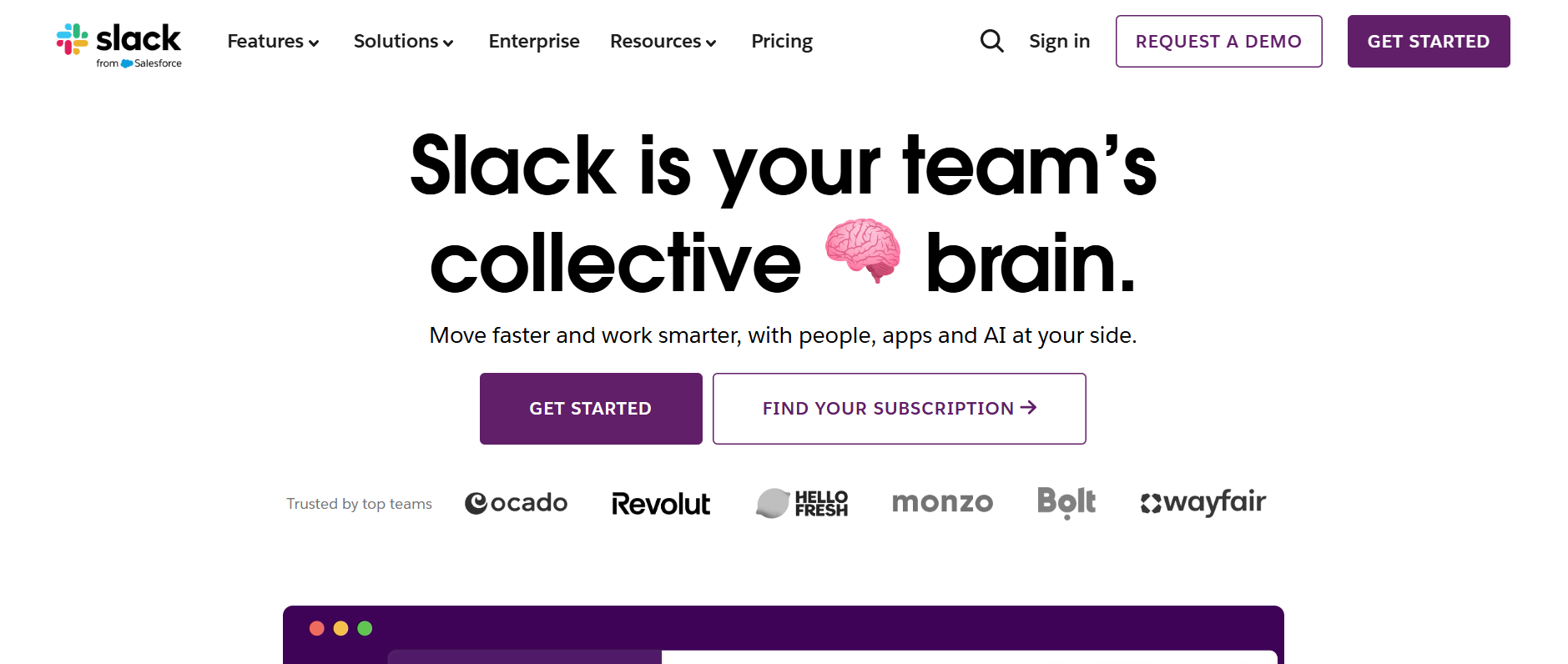
1. Slack — Best for Fast-Paced Team Collaboration
When I first tried Slack, I was honestly skeptical, did I really need another chat app? But after using it with multiple teams, it quickly became clear why it’s one of the most popular communication platforms for business today.
Slack shines when your team needs quick, ongoing conversations without cluttering up inboxes. Instead of endless email threads, you can organise discussions into channels, whether it’s #marketing, #clients, or even #watercooler for casual chats.
This structure made it easy for me to jump in, find updates, and keep projects moving without digging through a mess of messages.
Standout Features & Integrations
- Channels: Organise conversations by project, team, or client.
- Powerful search: I could find old conversations, files, and even links in seconds.
- File sharing: Drag-and-drop makes collaboration seamless.
- Integrations: Works with over 2,000 apps, Google Drive, Trello, Zoom, Asana, Salesforce, and more.
- Slack Connect: Lets you collaborate with external partners or clients without leaving the platform.
Pros
- Keeps communication structured and searchable.
- Tons of integrations cut down on app-switching.
- Real-time messaging is much faster than email.
Cons
- Notifications can feel overwhelming if you don’t manage settings.
- Video calls aren’t as strong as Zoom or Teams.
- Free plan has limited message history (only 90 days).
Pricing
- Free Plan – Limited message history, basic integrations.
- Pro Plan
- Business+ Plan
- Enterprise Grid – Custom pricing.
Visit Slack Pricing Page to learn more
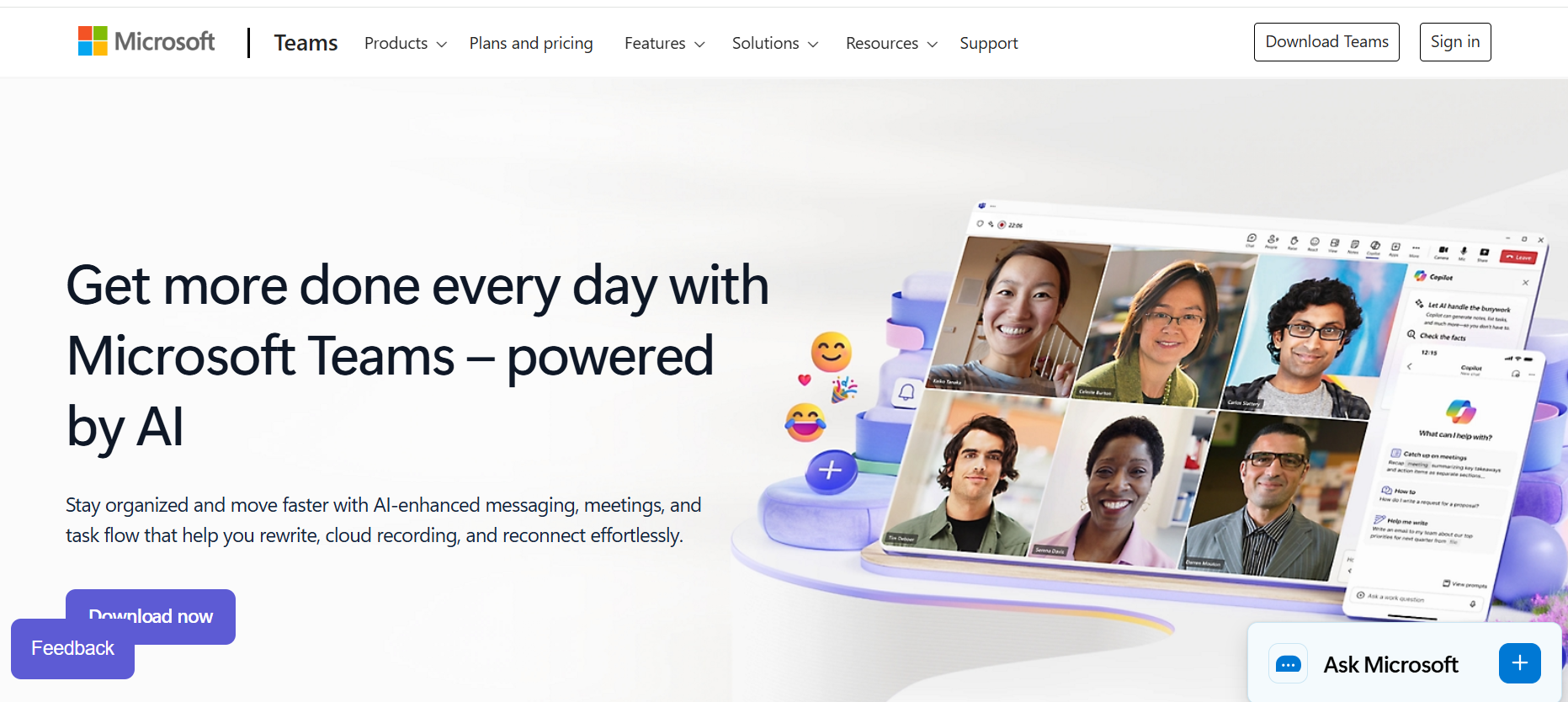
2. Microsoft Teams — Best for Microsoft 365 Workflows
When I worked with a client who was already deep into Microsoft 365, I realised how powerful Microsoft Teams can be. It’s not just another chat app—it’s a full hub for communication, file sharing, and collaboration.
What stood out to me most was how everything felt seamless: I could chat with a teammate, open an Excel sheet right inside the conversation, edit it together, and then jump into a video call, all without leaving Teams. For businesses already paying for Microsoft 365, it’s almost a no-brainer.
Standout Features & Integrations
- Deep Microsoft 365 integration: Word, Excel, PowerPoint, and OneDrive are built right in.
- Video conferencing: Comparable to Zoom with screen sharing and meeting recording.
- Chat + threads: Organised conversations across teams and projects.
- Planner & Tasks: Light project management features for keeping track of to-dos.
- Integrations: Works with Trello, Asana, Salesforce, GitHub, and hundreds more.
Pros
- Perfect if your company already uses Microsoft 365.
- Combines chat, video, and file storage in one place.
- Secure and enterprise-ready with compliance features.
Cons
- Can feel heavy and overwhelming compared to Slack.
- Too many notifications unless you tweak settings.
- Smaller teams not using Microsoft 365 may find it overkill.
Pricing
- Free Plan – Unlimited chat, video calls, and file sharing for up to 5GB storage.
- Microsoft 365 Personal
- Microsoft 365 Family
Visit Microsoft Teams Pricing Page to learn more
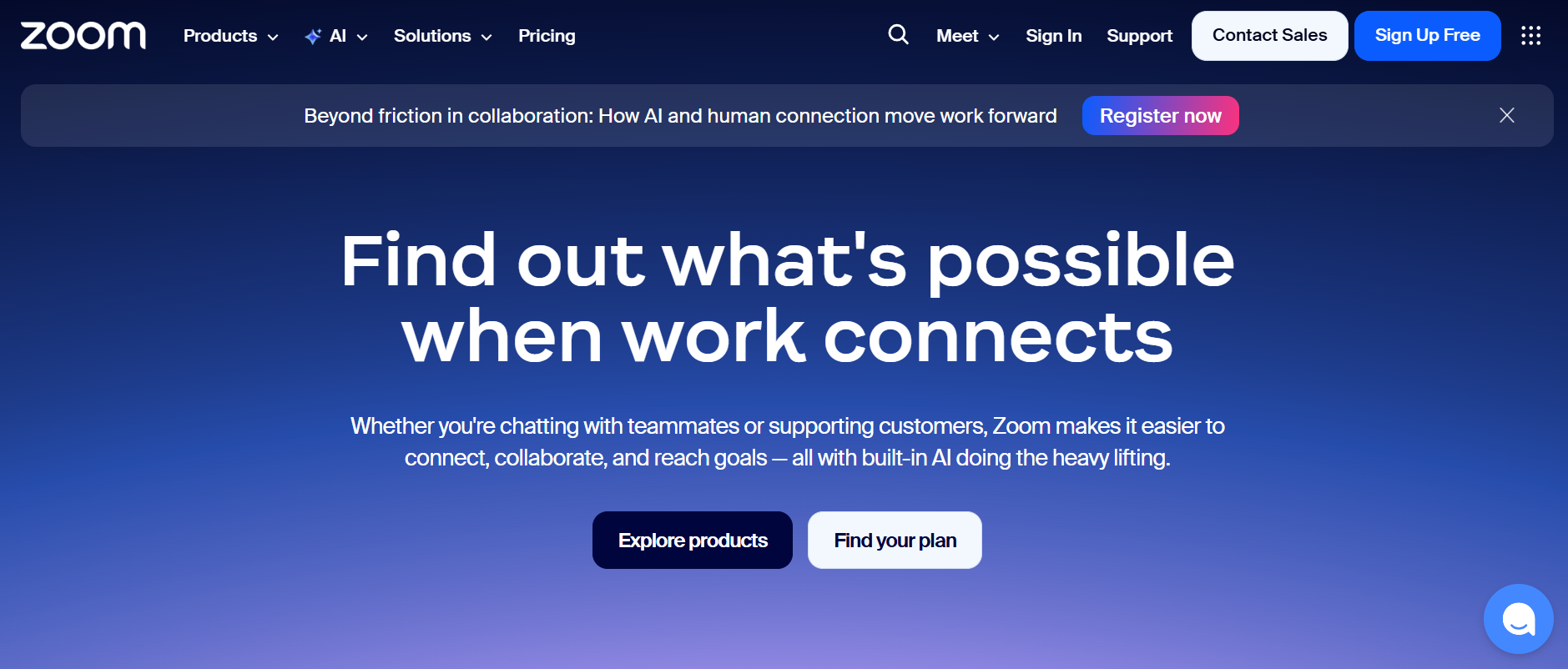
3. Zoom — Best for Video-First Communication
I still remember when my team switched to Zoom after struggling with clunky video calls on other apps, it was like night and day. Calls connected smoothly, screen sharing worked seamlessly, and even with a large group, the video and audio quality remained stable. While Zoom started as a pure video conferencing app, it has grown into one of the best communication platforms for business, offering features such as chat, whiteboards, and integrations. For me, it remains the gold standard when meetings are the primary focus.
Standout Features & Integrations
- HD video & audio: Smooth calls even with large groups.
- Screen sharing & annotations: Ideal for presentations and training.
- Breakout rooms: Great for workshops or training sessions.
- Whiteboards: Brainstorm with your team visually.
- Integrations: Works with Slack, Trello, HubSpot, Google Workspace, and more.
Pros
- Best-in-class video quality and reliability.
- Simple to use—even clients with no tech skills can join.
- Flexible for everything from quick calls to webinars.
Cons
- Chat features aren’t as strong as Slack or Teams.
- Security has improved, but still not as enterprise-ready as Teams.
- Free plan limits group meetings to 40 minutes.
Pricing
- Free Plan – Unlimited 1:1 meetings, group calls up to 40 mins.
- Pro Plan
- Business Plan
- Enterprise Plan
Visit Zoom Pricing Page to learn more
Comparison Table: Best Communication Platforms for Business
| Tool | Best For | Standout Features | Biggest Drawback |
| Slack | Startups & fast-moving teams | Channels, integrations, Slack Connect | Can get noisy, costly |
| Teams | Microsoft 365-based companies | Office 365 integration, video, file share | Learning curve, heavy app |
| Zoom | Video-first & remote meetings | HD video, breakout rooms, integrations | Weak chat/project features |
Conclusion
There’s no one-size-fits-all when it comes to communication and productivity software. Each tool shines in different settings, Slack is perfect for fast-paced startups that value flexibility and quick collaboration, Microsoft Teams is a strong fit for large enterprises needing structure and security, while Zoom remains the go-to for client-facing teams that rely heavily on video meetings.
Ultimately, the best communication software for your business depends on your team size, workflow, and budget. The key is to choose a platform that not only connects your team but also integrates smoothly into how you already work — helping you stay productive without adding complexity.
If you’re looking to find the perfect fit, explore more business software reviews, comparisons, expert tips, and recommendations on our blog to make smarter, more informed choices for your team’s success.
Related Article: Best Collaboration Tools for Remote Workers (With Use Cases)