

The best Trello alternatives for teams requiring more features include ClickUp, Asana, monday.com, Airtable, and Jira. This guide reviews their features, pros, cons and comparison to help you choose the best for your business.
1. ClickUp
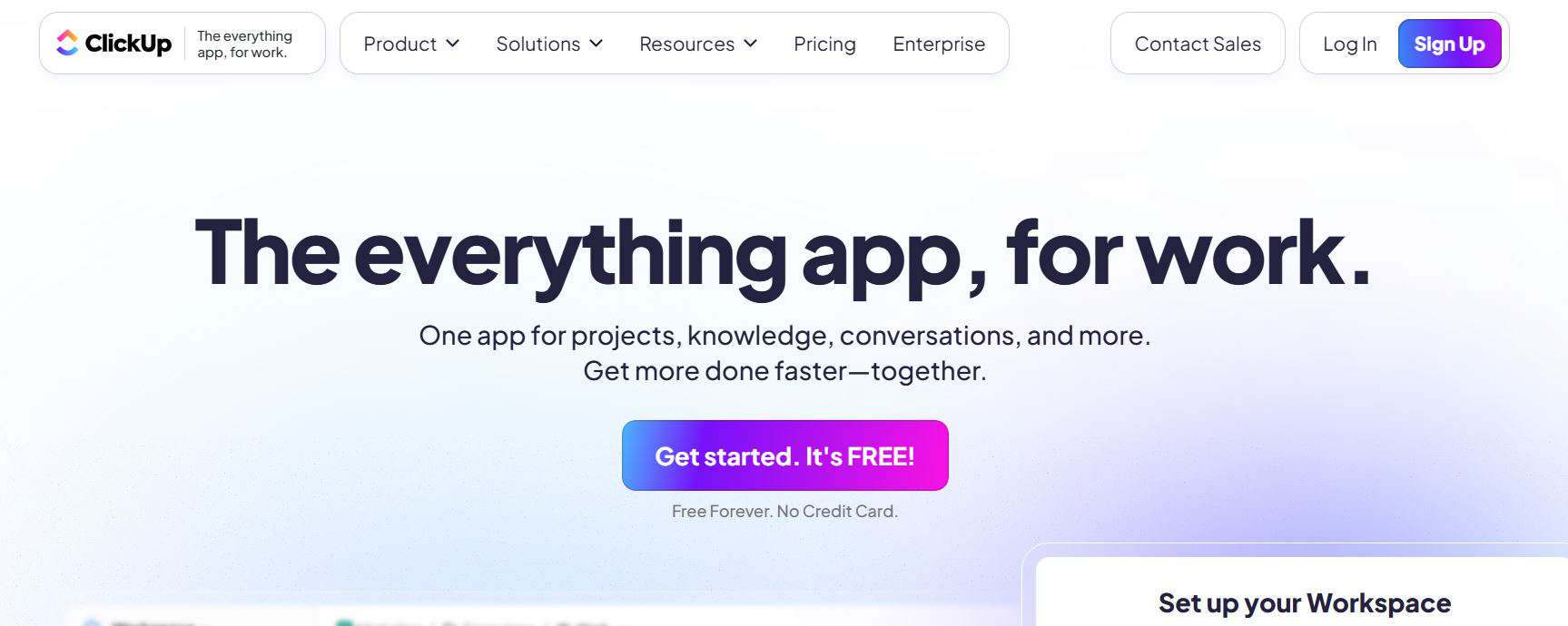
I’ve been using ClickUp extensively for the past two years, and I can confidently say it’s one of the most feature-rich Trello alternatives available. ClickUp positions itself as “one app to replace them all,” and while that’s ambitious marketing, I’ve found it surprisingly close to the truth. The platform consolidates project management, document creation, goal tracking, and even email into a single interface.
Key Features
- Multiple view options
- ClickUp Brain (AI Assistant)
- Custom Fields and Statuses
- Advanced Automation
- Time Tracking and Workload Management
- Goals and OKRs
Pros
- Incredible feature depth: I rarely need external tools because ClickUp handles most use cases natively
- Generous free plan: I started with ClickUp’s free tier, and it provided substantial functionality for my small team
- Highly customizable: I can tailor ClickUp to match virtually any workflow or methodology
- Regular updates: The ClickUp team ships new features constantly, showing commitment to improvement
- Excellent mobile apps: I manage tasks on-the-go without compromise
- Active community: I’ve found helpful resources and templates shared by other users
Cons
- Overwhelming at first: I won’t sugarcoat it, ClickUp’s feature abundance creates a steep learning curve
- Can feel cluttered: The interface sometimes feels busy with so many options competing for attention
- Performance issues: I’ve experienced occasional lag with larger workspaces, though this has improved
- Notification overload: I had to spend time fine-tuning notification settings to avoid constant interruptions
- Inconsistent mobile experience: While functional, the mobile app doesn’t match the desktop experience
2. Asana
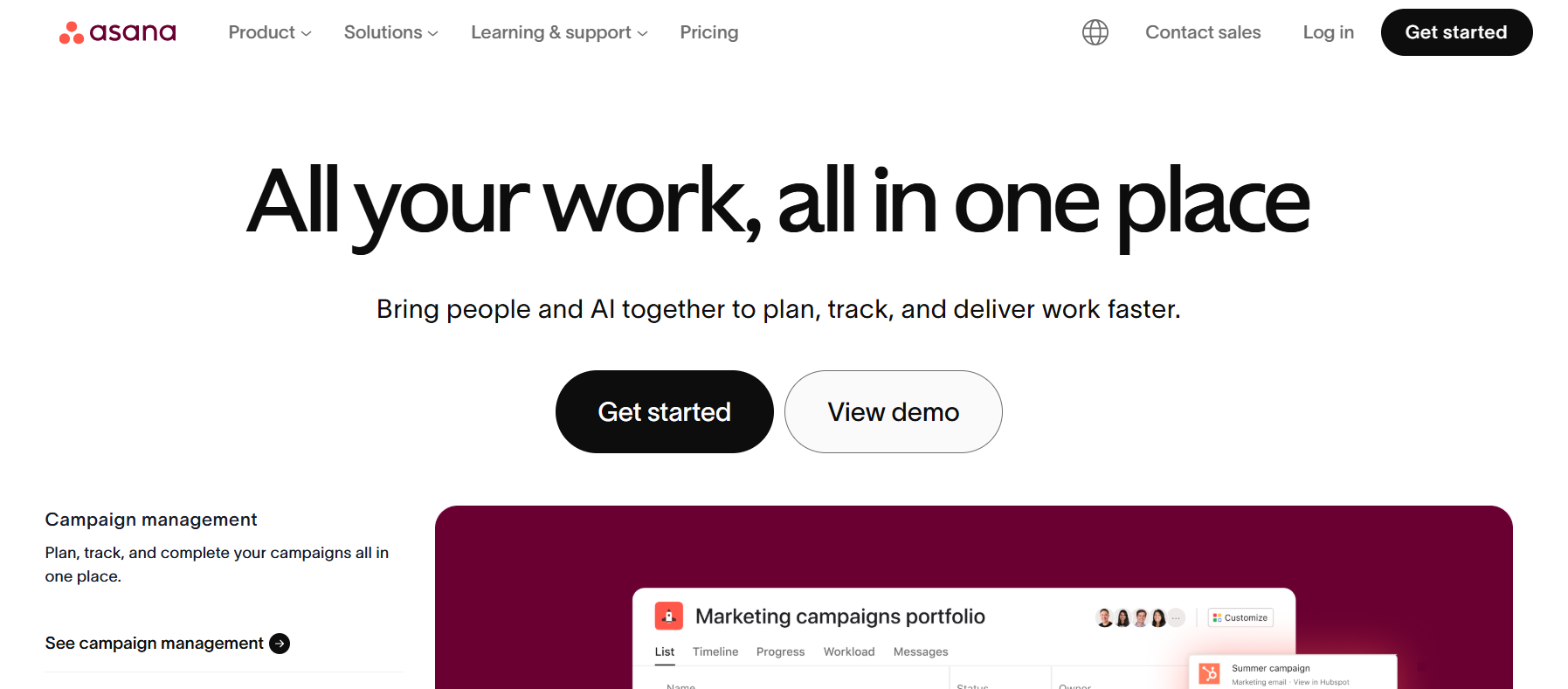
I’ve used Asana across multiple organizations, and it remains one of my favorite tools for teams that value structure and clarity. Asana strikes an excellent balance between simplicity and power, offering advanced features without the overwhelming complexity I sometimes feel with ClickUp.
Key Features
- Timeline and Calendar Views
- Portfolio Management
- Advanced Search and Reporting
- Forms and Intake Management
- Workload View
- Goals and Progress Tracking
Pros
- Clean, intuitive interface: I find Asana easier to navigate than most alternatives
- Excellent onboarding: The guided setup helped my team adopt Asana quickly
- Reliable performance: I’ve rarely experienced bugs or slowdowns
- Strong mobile experience: The mobile apps are polished and functional
- Great for complex projects: Dependency tracking and timeline views excel for intricate project planning
- Regular feature additions: Asana continues evolving with user needs
Cons
- Expensive for advanced features: I’ve found the pricing steep once I need timeline views and portfolios
- Limited customization: Compared to ClickUp or Monday.com, I have fewer options to tailor the interface
- Basic automation: The rules feature works but feels less powerful than competitors
- No built-in time tracking: I need third-party integrations for time management
- Storage limits: File storage caps on lower tiers have forced me to upgrade or use external storage
3. Monday.com
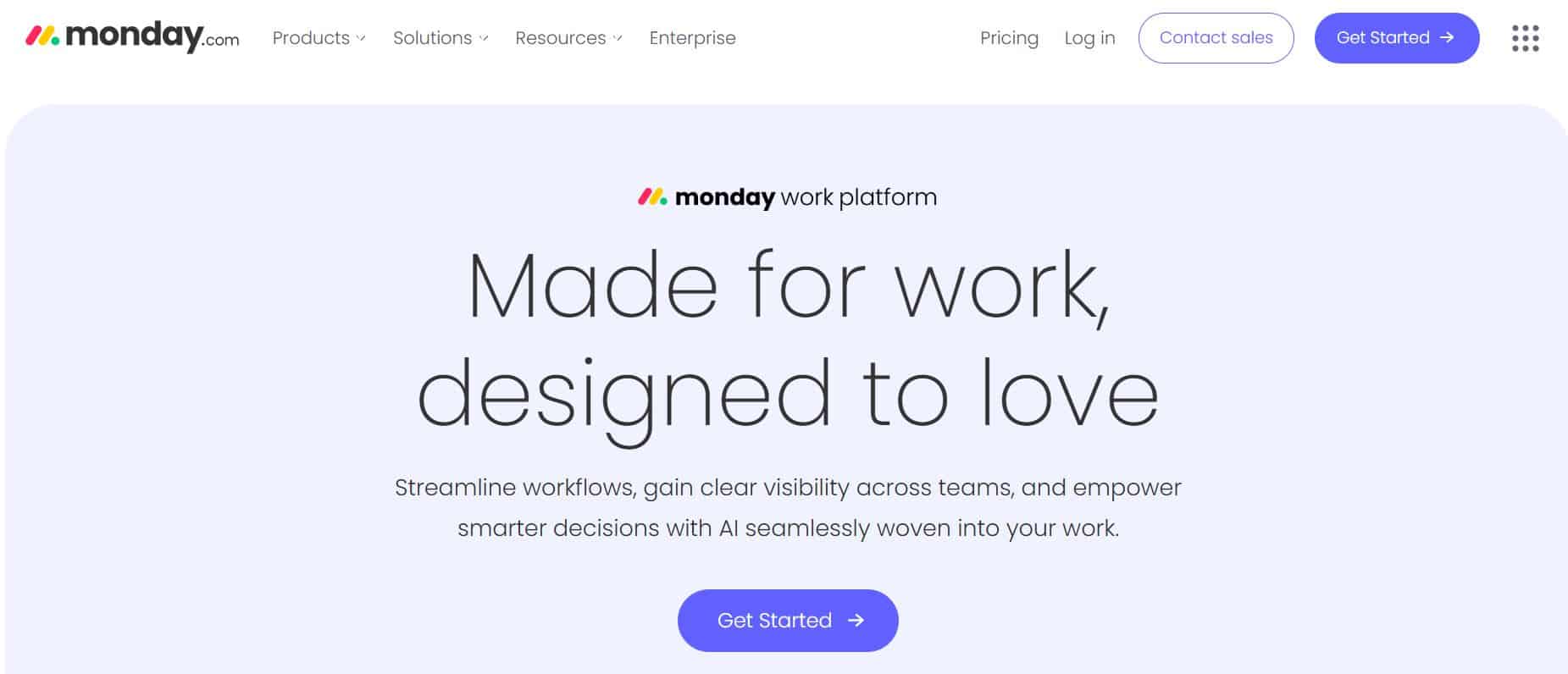
I was initially drawn to Monday.com because of its vibrant, colorful interface. Beyond aesthetics, I’ve found it to be one of the most flexible project management platforms available. Monday.com describes itself as a “Work OS,” and I think that terminology is apt, it’s less about rigid project management and more about creating a custom system that fits your unique needs.
Key Features
- Highly Visual Boards
- Powerful Automation Builder
- Extensive Integration Options
- Dashboard and Reporting
- Multiple View Types
- Collaboration Features
Pros
- Beautiful, intuitive design: The interface is genuinely enjoyable to use
- Extreme flexibility: I can configure Monday.com for virtually any use case
- Excellent customer support: When I’ve needed help, the support team has been responsive and knowledgeable
- Strong automation: The no-code automation builder is powerful yet accessible
- Great for client-facing work: The professional appearance makes it suitable for sharing with clients
- Comprehensive mobile app: I manage work effectively from my phone
Cons
- Expensive: Monday.com is one of the pricier options, especially as teams grow
- Overwhelming customization: The flexibility can be paralyzing, I spent significant time deciding how to structure things
- Learning curve for advanced features: While basic use is intuitive, mastering automation and integrations takes time
- Limited free plan: The free tier is quite restrictive compared to ClickUp or Notion
- Can become complex: Without discipline, Monday.com workspaces can become cluttered and confusing
4. Notion
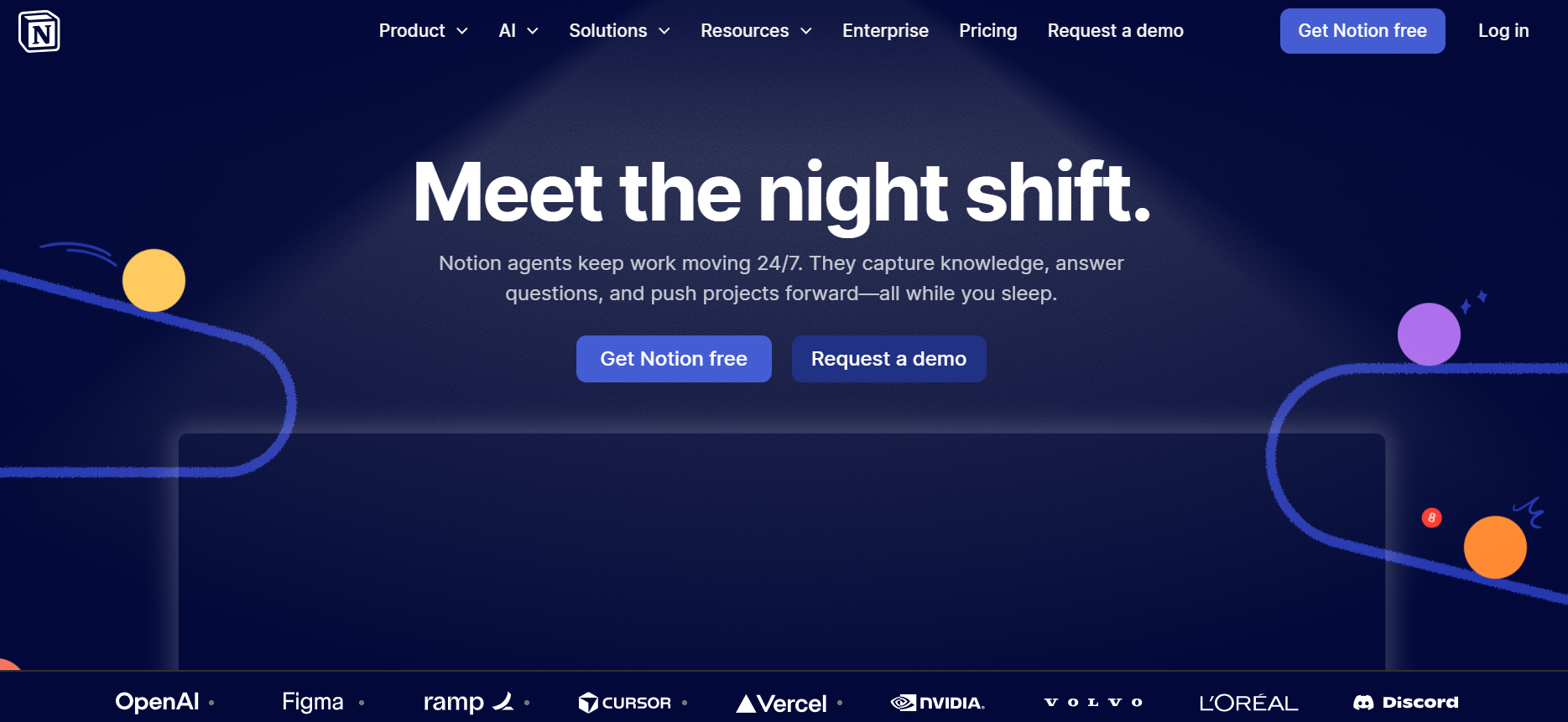
I have a complicated relationship with Notion. It’s not a traditional project management tool, it’s more of an all-in-one workspace that can be configured for project management. I use Notion extensively for documentation, knowledge management, and lightweight project tracking, though I find it less suitable for complex project management than dedicated tools.
Key Features
- All-in-One Workspace
- Flexible Database System
- Beautiful Templates
- Collaborative Documents
- Embeds and Integrations
- AI Features
Pros
- Extreme flexibility: I can build virtually anything, from simple task lists to complex CRM systems
- Beautiful design: Pages look professional and are enjoyable to work in
- Great for documentation: Unmatched for team wikis and knowledge management
- Affordable: Pricing is reasonable compared to dedicated project management tools
- Active template community: I find inspiration and solutions from other Notion users
- Excellent for startups: The flexibility and price point appeal to resource-constrained teams
Cons
- Not primarily project management: I find dedicated tools better for complex project tracking
- Performance with large databases: I’ve experienced lag with databases containing thousands of entries
- Limited automation: Automation capabilities are basic compared to ClickUp or Monday.com
- Steeper learning curve: The blank-slate approach means I spend time building structure
- Mobile experience: The mobile app works but feels less polished than the desktop version
- No native time tracking: I need external tools or manual tracking
5. Airtable
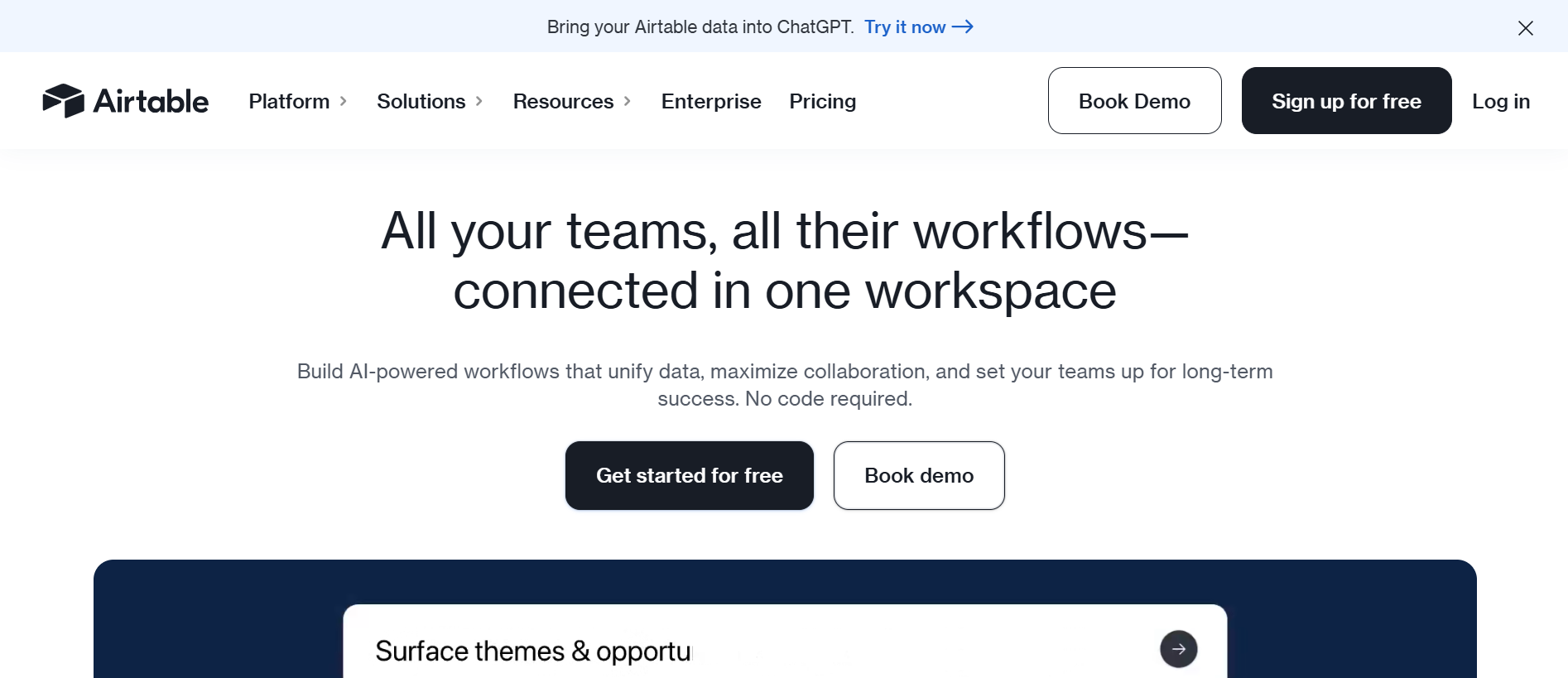
I describe Airtable to people as “if Excel and project management had a baby.” It’s fundamentally a relational database platform that I can configure for project management, CRM, content calendars, or virtually any use case requiring structured data. I find it particularly powerful for teams with complex data relationships and reporting needs.
Key Features
- Powerful Relational Databases
- Multiple Views
- Flexible Field Types
- Automation and Integrations
- Interface Designer
- Robust API
Pros
- Unmatched data flexibility: I can model complex relationships that other tools struggle with
- Powerful for data-heavy projects: When I need advanced reporting or data analysis, Airtable excels
- Excellent collaboration: Multiple users can work simultaneously without conflicts
- Strong automation options: The automation capabilities continue improving
- Great for custom workflows: I can build systems that match my exact processes
- Good free tier: The free plan provides substantial functionality for small teams
Cons
- Not intuitive for non-technical users: I’ve found team members struggle with the database paradigm
- Limited project management features: No native Gantt charts, critical path analysis, or resource management
- Can become complex quickly: Without careful planning, Airtable bases become unwieldy
- Performance with large datasets: I’ve experienced slowdown with tables containing thousands of records
- Expensive for advanced features: Premium features like extensions and increased automation runs add up
- Mobile limitations: The mobile experience, while functional, feels constrained
6. Wrike
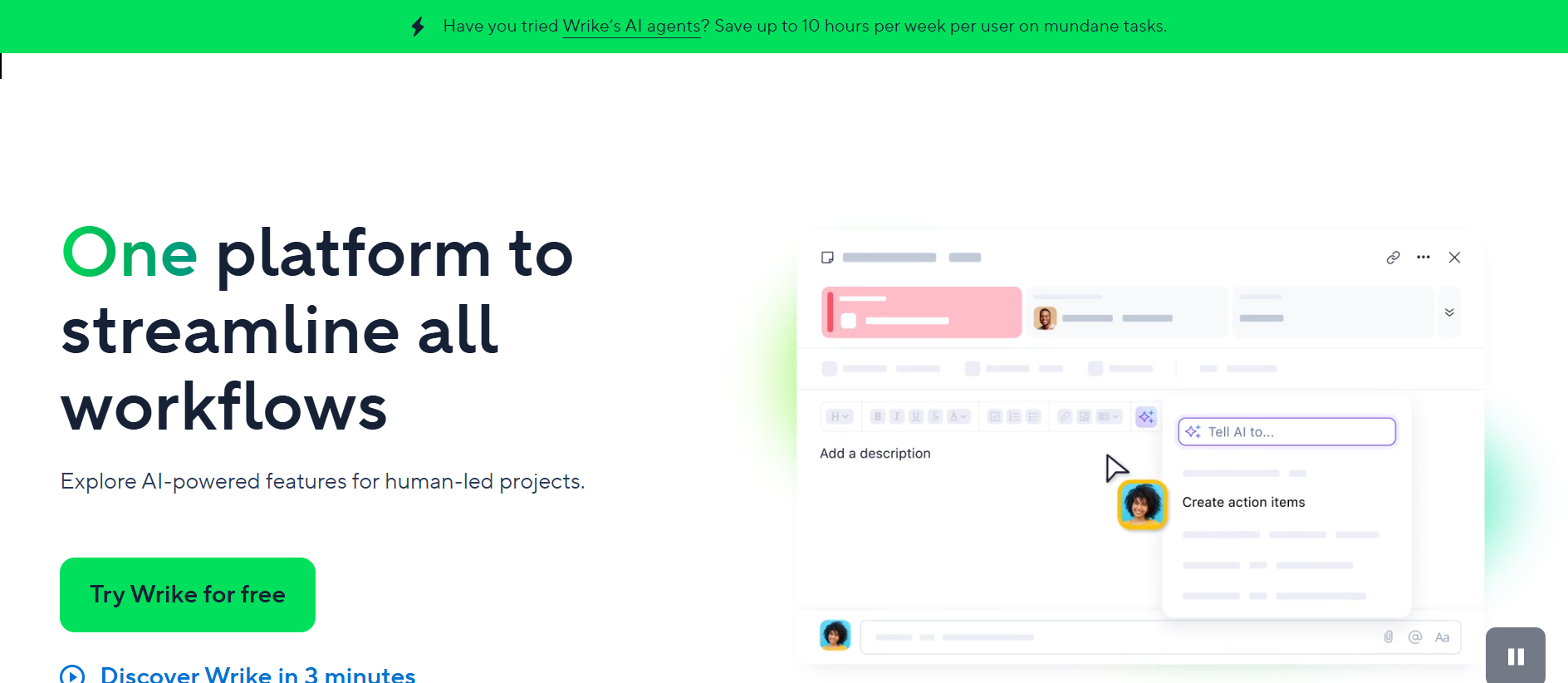
I’ve primarily used Wrike in enterprise environments, and it shows, this is a tool built for large organizations with complex needs, compliance requirements, and sophisticated workflows.
While it can work for smaller teams, I find Wrike’s sweet spot is mid-to-large enterprises that need enterprise-grade security, advanced resource management, and comprehensive reporting.
Key Features
- Enterprise-Grade Security
- Advanced Resource Management
- Custom Workflows
- Powerful Reporting and Analytics
- Proofing and Approval
- Time Tracking and Budgeting
Pros
- Robust for large teams: Scales effectively to hundreds or thousands of users
- Advanced reporting: I can create virtually any report I need
- Strong security features: Meets enterprise security and compliance requirements
- Excellent for agencies: The proofing and approval workflow is invaluable for creative work
- Comprehensive feature set: I rarely need additional tools for project management
- Good customer support: Enterprise plans include dedicated support
Cons
- Expensive: Wrike’s pricing is among the highest in this comparison
- Complex interface: The learning curve is steep, and new users struggle initially
- Overkill for small teams: I wouldn’t recommend Wrike for teams under 20 people
- Dated design: The interface feels less modern than ClickUp or Monday.com
- Limited free plan: The free tier is very restrictive, essentially just a trial
- Requires significant setup: Getting value from Wrike requires substantial initial configuration
ClickUp vs Asana vs Monday.com: Quick Comparison Table
| Feature | ClickUp | Asana | Monday.com | Notion | Airtable | Wrike |
| Starting Price | Free (generous) | Free (limited) | Free (up to 2 seats) | Free (personal use) | Free (limited) | Free (limited) |
| Best For | Small to mid-size teams wanting all-in-one solution | Teams needing structure and clarity | Teams wanting customization and visual appeal | Startups needing docs + light PM | Data-heavy projects needing flexibility | Large enterprises and agencies |
| Ease of Use | ⭐⭐⭐ (7/10) | ⭐⭐⭐⭐⭐ (9/10) | ⭐⭐⭐⭐ (8/10) | ⭐⭐⭐ (7/10) | ⭐⭐⭐ (6/10) | ⭐⭐⭐ (6/10) |
| Feature Depth | ⭐⭐⭐⭐⭐ (10/10) | ⭐⭐⭐⭐ (8/10) | ⭐⭐⭐⭐ (8.5/10) | ⭐⭐⭐ (7/10) | ⭐⭐⭐⭐ (8/10) | ⭐⭐⭐⭐⭐ (9/10) |
| Customization | ⭐⭐⭐⭐⭐ (10/10) | ⭐⭐⭐ (6/10) | ⭐⭐⭐⭐⭐ (10/10) | ⭐⭐⭐⭐⭐ (10/10) | ⭐⭐⭐⭐⭐ (10/10) | ⭐⭐⭐⭐ (8/10) |
| Automation | Advanced | Moderate | Advanced | Basic | Moderate | Advanced |
| Time Tracking | Built-in | Requires integration | Built-in | Manual/integration | Manual/integration | Built-in |
| Gantt Charts | Yes | Yes (paid plans) | Yes | Limited | No native | Yes |
| Mobile App | ⭐⭐⭐⭐ (8/10) | ⭐⭐⭐⭐⭐ (9/10) | ⭐⭐⭐⭐ (8/10) | ⭐⭐⭐ (7/10) | ⭐⭐⭐ (7/10) | ⭐⭐⭐⭐ (8/10) |
| Integrations | 1,000+ | 200+ | 200+ | 50+ | 1,000+ (via Zapier) | 400+ |
| Reporting | Advanced | Advanced (paid) | Advanced | Basic | Advanced | Very Advanced |
| Learning Curve | Steep | Moderate | Moderate | Steep | Steep | Very Steep |
| File Storage | Unlimited (paid) | Limited by plan | Limited by plan | Unlimited blocks | Limited by plan | Generous |
| Free Plan Users | Unlimited | 15 max | 2 seats only | Unlimited | Unlimited | 5 users |
| Ideal Team Size | 5-100 | 10-500 | 5-200 | 1-50 | 5-100 | 50-1000+ |
Verdict: Which Trello Alternative is Best for Your Team?
After years of testing these platforms across various team sizes and industries, I’ve developed clear opinions on which tools work best for different scenarios.
Best for Small Teams and Startups
- Winner: ClickUp
- Runner-up: Notion
Best for Remote and Hybrid Teams
- Winner: Asana
- Runner-up: Monday.com
Best for Enterprises and Agencies
- Winner: Wrike
- Runner-up: Monday.com
Check out our blog for more business productivity tools reviews.