

AI chatbots have exploded in popularity over the past couple of years, and for good reason. They’re changing how we work, learn, and even entertain ourselves. But when it comes to choosing the right one, two names always come up: Character AI and ChatGPT.
In this article, I’ll break down their key differences, best features, pros and cons, and pricing. I’ll also answer a common question I often hear: does Character AI use OpenAI?
What Is Character AI?
Character AI is a chatbot platform designed around the idea of having conversations with personalities, not just an AI assistant. Instead of getting straightforward answers to questions, you interact with bots that are built to mimic different characters.
This includes historical figures, fictional heroes, or a personality you design yourself. I’ve used it for brainstorming creative story ideas, practicing dialogues, and even just light-hearted roleplay when I wanted a break from work.
One of the most common questions people ask is: does Character AI use OpenAI? The answer is no, Character AI was developed by former Google engineers and runs on its own large language models. That means the way it responds, and the style of conversations you get, feel very different from ChatGPT.
What Is ChatGPT?
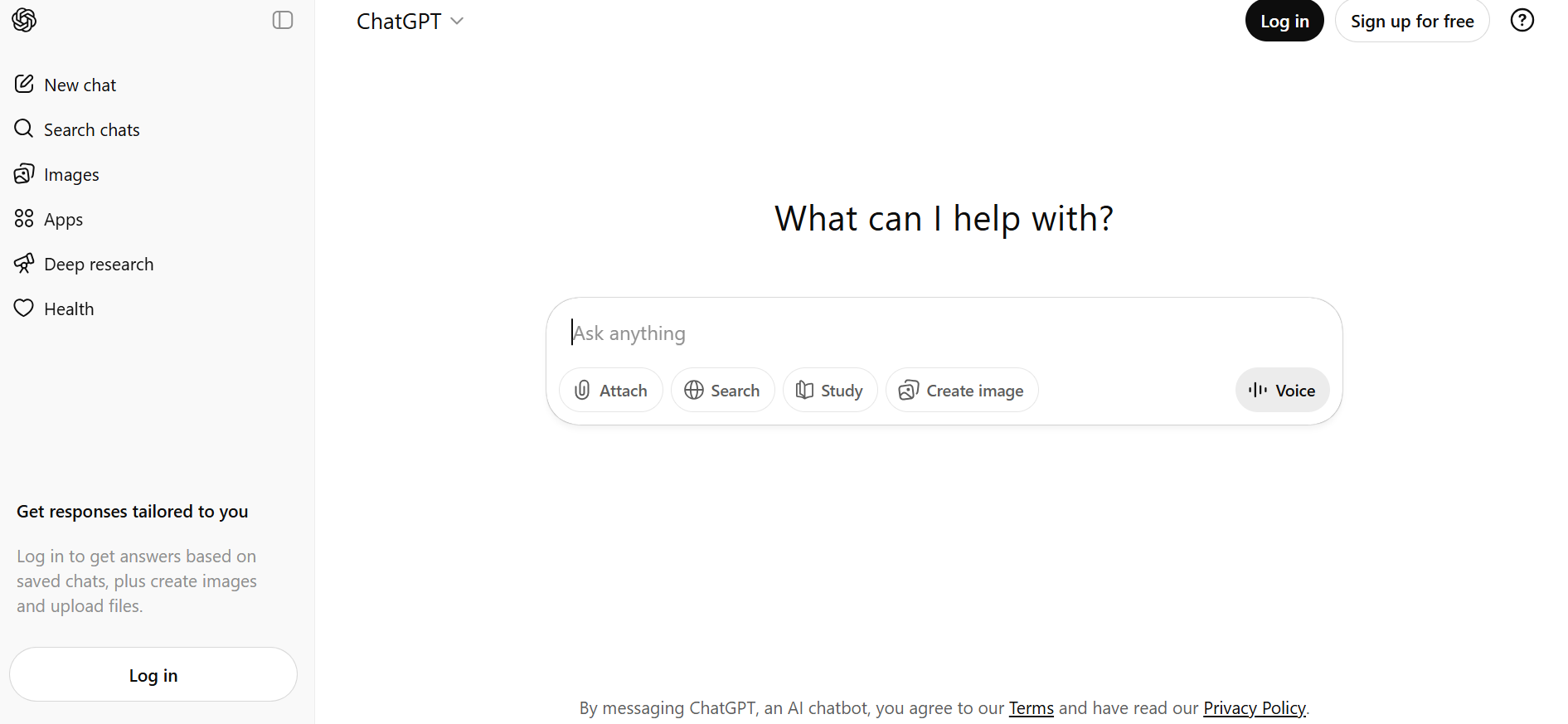
ChatGPT, on the other hand, is an AI chatbot built by OpenAI and powered by one of the most widely known large language models. Unlike Character AI, which is designed around personalities and roleplay, ChatGPT is built for practical conversations: answering questions, explaining concepts, drafting emails, summarising documents, or even generating code.
Character AI vs ChatGPT: Features
When comparing Character AI vs ChatGPT, the biggest differences show up in the features each one offers. Bot
| Feature | Character AI | ChatGPT |
| Primary Use | Creative, roleplay, entertainment | Productivity, research, professional tasks |
| Conversation Style | Personality-rich, imaginative, roleplay-focused | Neutral, factual, knowledge-driven |
| Customisation | Build unique characters with voices and personalities | Limited customisation, but allows custom instructions |
| Extra Tools | Mostly limited to character creation and roleplay settings | Plugins, browsing, code assistance, API integrations |
| Accuracy | Fun and engaging but not always factually reliable | Highly accurate for technical, academic, and work-related queries |
| Integrations | None beyond the Character AI platform | Works with Slack, Zapier, Notion, Microsoft Copilot, and more |
| Pricing | Free + Premium (faster responses, priority access) | Free (GPT-3.5) + ChatGPT Plus ($20/month for GPT-4) |
| Platforms | Web and mobile app | Web, mobile, plus embedded in Microsoft tools and third-party apps |
Character AI vs ChatGPT: Key Differences
After using both platforms, here’s how I see the main differences between Character AI vs ChatGPT and why you might pick one over the other.
1. Purpose & Best For
- Character AI: Best for creative, fun, character-driven conversations. Perfect if you enjoy roleplay, storytelling, or chatting with AI personalities.
- ChatGPT: Best for professional, productivity-focused, and factual tasks. Ideal if you need research help, content support, or clear explanations.
2. Conversation Style & Personality
- Character AI: Personality-rich, almost like chatting with a fictional friend. Great for immersion, but not always reliable with facts.
- ChatGPT: Neutral, knowledge-based tone. Feels more like a helpful assistant or tutor than a character.
3. Features & Customisation
- Character AI: Lets you create and customize characters with unique personalities and voices. You can roleplay, build worlds, and design AI companions.
- ChatGPT: Offers plugins, web browsing, coding help, and integrations with tools like Zapier, Slack, and Notion. Much more versatile for work.
4. Accuracy & Reliability
- Character AI: More playful but less accurate with facts. Great for creativity, not so much for technical or professional tasks.
- ChatGPT: More reliable for factual and technical queries. Handles structured tasks, research, and real-world problem-solving better.
5. Pricing & Plans
- Character AI: Free to use, with optional Premium for faster responses and priority access.
Visit Character AI Pricing Page to learn more - ChatGPT: Free plan with GPT-3.5, and ChatGPT Plus at $20/month for access to GPT-4 and faster response times.
Visit ChatGPT Pricing Page to learn more
6. Availability & Accessibility
- Character AI: Available on web and mobile apps.
- ChatGPT: Available on web, mobile, and integrated into Microsoft Copilot, third-party apps, and developer APIs.
Pros and Cons: Character AI vs ChatGPT
Character AI
Pros:
- Fun and immersive conversations that feel more “human.”
- Customisable characters with unique personalities and voices.
- Excellent for roleplay, storytelling, and creative expression.
- Free version available with plenty of features.
Cons:
- Not very reliable for facts or technical information.
- Limited productivity features compared to other AI chatbots.
- Can feel slow during peak hours unless you upgrade to premium.
ChatGPT
Pros:
- Highly reliable and accurate for factual information.
- Great for productivity tasks like writing, coding, and brainstorming.
- Versatile use cases, from business communication to personal learning.
- Integrates with apps like Microsoft Copilot, Zapier, and Slack.
Cons:
- Less personality-driven compared to Character AI.
- The Plus plan ($20/month) may feel expensive for casual users.
- Occasional downtime or slower response in the free version.
Conclusion: Which AI Chatbot Should You Choose?
At the end of the day, there’s no one-size-fits-all answer in the Character AI vs ChatGPT debate. It really comes down to what you want from an AI tool
For me, I’ve found that Character AI works best when I want something playful and engaging, while ChatGPT is my go-to when I need serious answers or support in my day-to-day work.
Want a deeper dive into Character AI? Check out my full Character AI Review where I break down its features, pricing, and best use cases in detail.
Related Article: 9 Best Productivity Software Tools to Supercharge Your Workflow