

Choosing between these tools isn’t straightforward. Each has passionate advocates who swear it’s the only tool anyone needs. I’ve been that person for all three at different points in my career. The truth I’ve discovered is more nuanced, the “best” tool depends entirely on what you’re trying to accomplish and how your brain works.
1. Notion
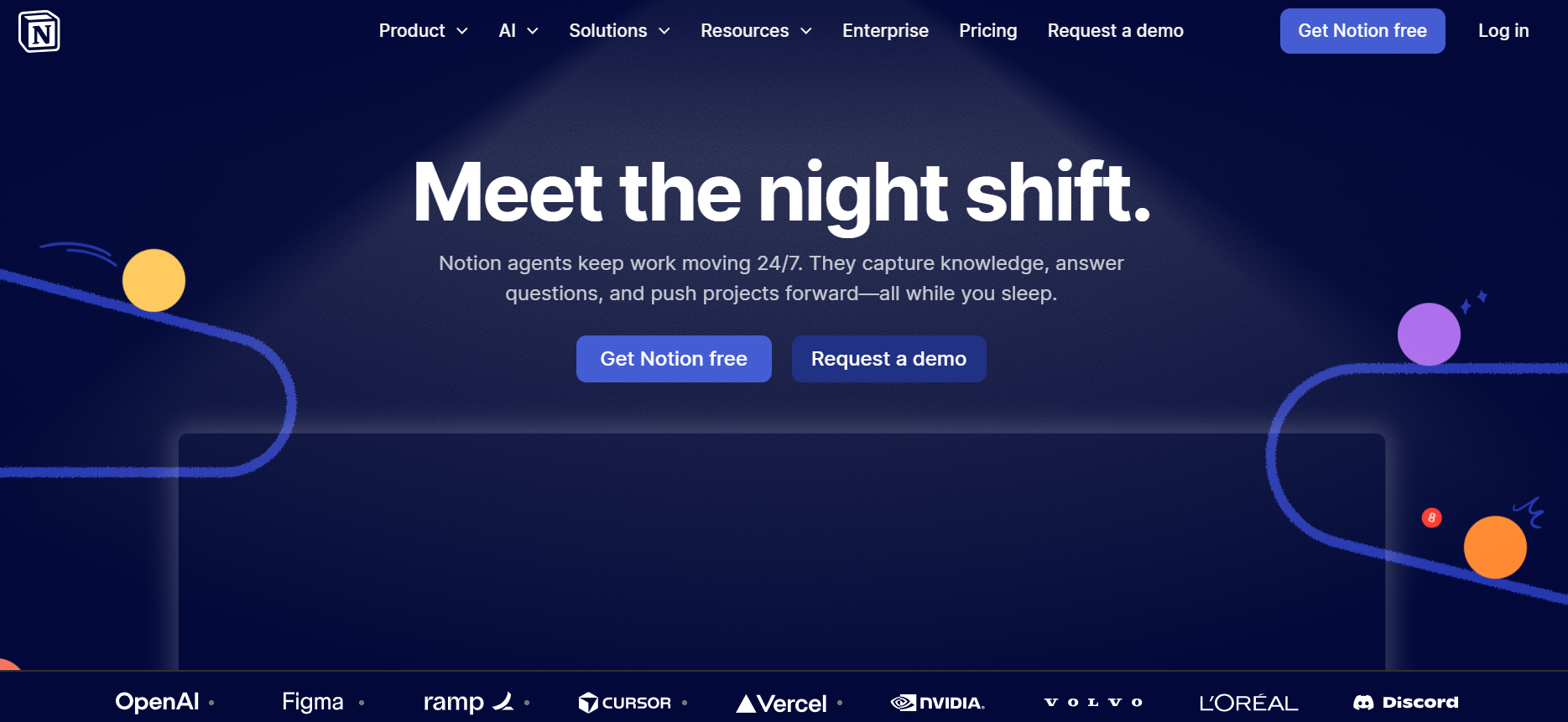
I first encountered Notion in 2019, and it fundamentally changed how I think about digital workspaces. Notion isn’t primarily a project management tool, it’s a connected workspace platform that I can mold into whatever I need, including project management.
The blank-page experience initially intimidated me. Unlike traditional tools that guide you toward their vision of productivity, Notion hands you building blocks and says, “create whatever works for you.” This freedom is simultaneously Notion’s greatest strength and its steepest learning curve.
Key Features of Notion
- Flexible Database System
- All-in-One Workspace
- Template Gallery and Community
- Collaborative Editing
- Notion AI
- Embeds and Integrations
Pros of Notion
- Unmatched flexibility: I can build virtually anything, from simple task lists to complex systems
- Beautiful, minimalist design: Pages look professional and are genuinely enjoyable to work in
- Excellent for documentation: Unbeatable for team wikis, knowledge bases, and long-form writing
- Affordable pricing: More reasonable than dedicated project management platforms
- Strong template community: I find inspiration and ready-made solutions constantly
- Intuitive for knowledge work: If I think in documents and notes, Notion feels natural
- Great for personal use: I use Notion for personal knowledge management alongside team projects
Cons of Notion
- Not purpose-built for project management: I need to work harder to achieve what dedicated PM tools do natively
- Steeper learning curve: The blank-slate approach means I spend time building structure
- Performance with large databases: I’ve experienced noticeable lag with databases containing thousands of entries
- Limited automation: Automation capabilities are basic compared to ClickUp or Asana
- Mobile experience limitations: The mobile app works but feels less polished than desktop
- No native time tracking: I need external tools or manual tracking for time management
- Requires ongoing maintenance: Custom systems need regular refinement and organization
2. ClickUp
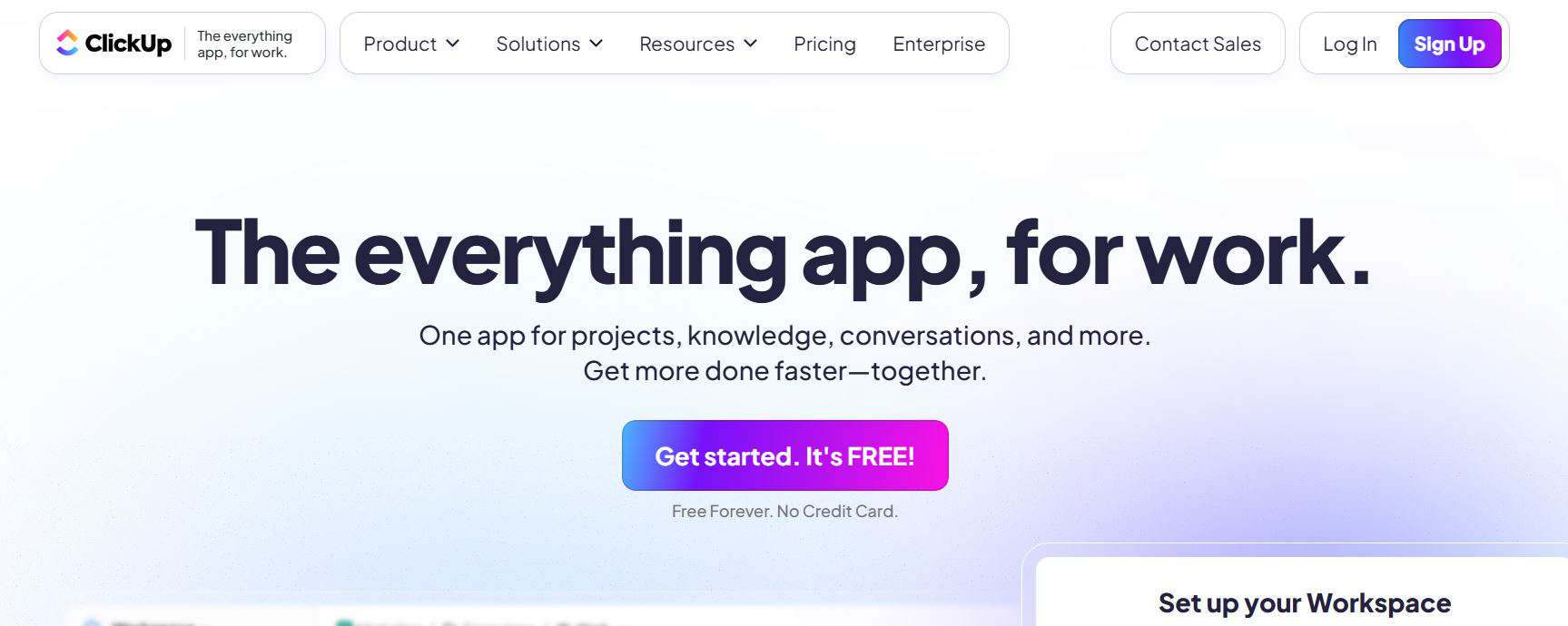
I’ve used ClickUp extensively for the past two years across multiple projects and teams. ClickUp’s promise of being “one app to replace them all” initially seemed like marketing hyperbole. After deep experience, I’ve found it surprisingly close to truth. ClickUp consolidates project management, documentation, goal tracking, time management, and even email into a unified platform.
The first time I opened ClickUp, I felt overwhelmed by options. Every feature imaginable seemed to exist somewhere in the interface. This abundance represents both ClickUp’s superpower and its Achilles heel, incredible capability at the cost of initial complexity.
Key Features of ClickUp
- Multiple view options
- ClickUp brain (AI Assistant)
- Advanced automation
- Time tracking and workload management
- Goals and OKRs
- Custom fields and statuses
- Docs and knowledge base
Pros of ClickUp
- Incredible feature breadth: I rarely need external tools because ClickUp handles most use cases natively
- Generous free plan: The free tier provides substantial functionality for small teams
- Highly customizable: I can tailor ClickUp to match virtually any workflow or methodology
- Regular feature updates: ClickUp ships new capabilities constantly, showing commitment to improvement
- Excellent value proposition: I get enterprise-level features at mid-market pricing
- Strong mobile apps: I manage tasks on-the-go without significant compromise
- Active community: Helpful resources and templates shared by other users
Cons of ClickUp
- Overwhelming initially: The feature abundance creates a steep learning curve that frustrated my team initially
- Interface can feel cluttered: So many options compete for attention that the UI sometimes feels busy
- Performance issues: I’ve experienced occasional lag with larger workspaces, though this continues improving
- Notification overload: Without careful configuration, I get bombarded with notifications
- Inconsistent mobile experience: While functional, the mobile app doesn’t quite match desktop capabilities
- Too much choice: Paradoxically, having so many ways to configure things sometimes paralyzes decision-making
- Requires ongoing optimization: I need to regularly review and refine my setup to maintain efficiency
3. Asana
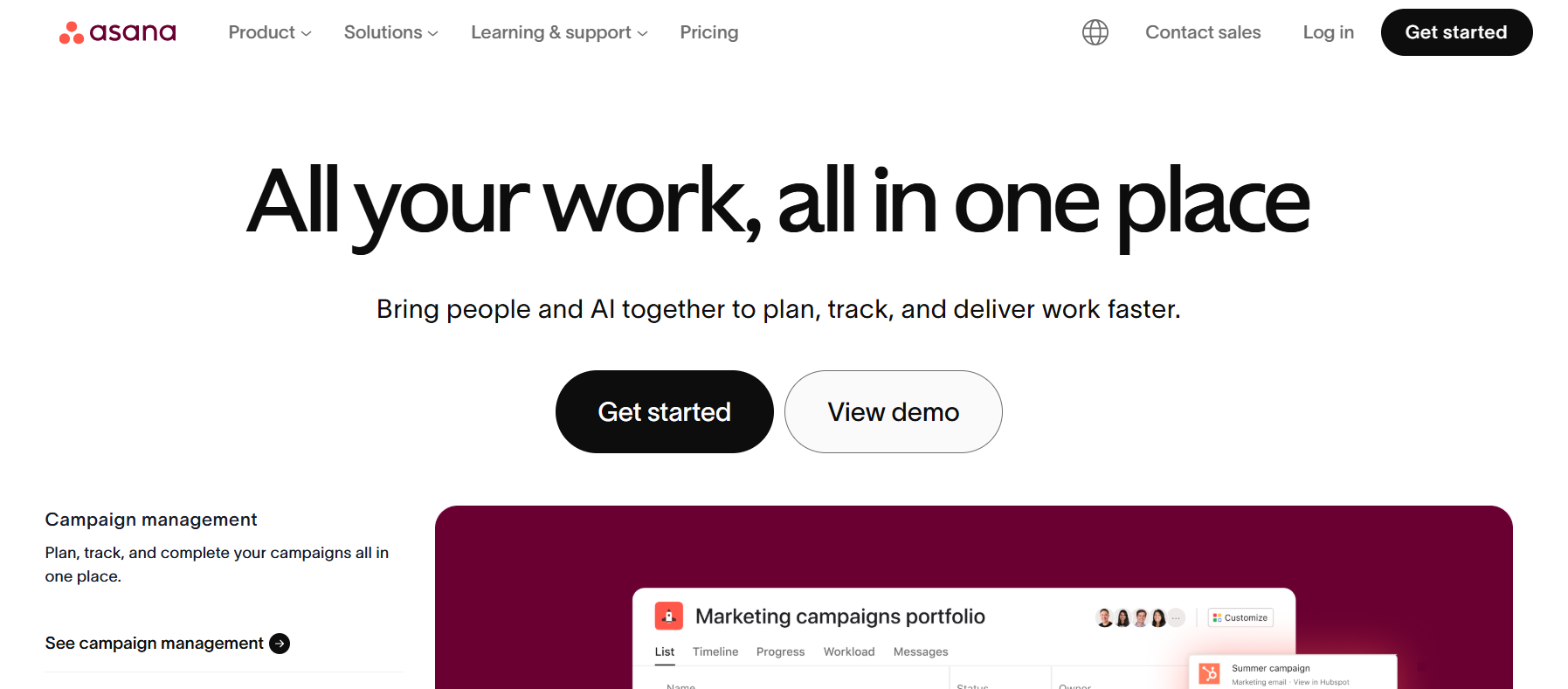
I’ve used Asana across multiple organizations over five years, and it remains one of my favorite tools for teams valuing structure and clarity. Where ClickUp overwhelms with options and Notion requires building structure, Asana provides purposeful, opinionated design that guides teams toward effective project management practices.
Asana’s cleanliness and intuitiveness stand out immediately. Within minutes of first using Asana, I was able to create projects, assign tasks, and set deadlines. This accessibility has made it easier to onboard teams compared to more complex alternatives.
Key Features of Asana
- Timeline and calendar views
- Portfolio management
- Advanced search and reporting
- Forms and intake management
- Workload view
- Goals and Progress Tracking
- Rules and Automation
Pros of Asana
- Clean, intuitive interface: I find Asana easier to navigate than most alternatives
- Excellent onboarding: The guided setup helped my teams adopt Asana quickly
- Reliable performance: I’ve rarely experienced bugs, crashes, or slowdowns
- Strong mobile experience: The mobile apps are polished and fully functional
- Great for complex projects: Dependency tracking and timeline views excel for intricate project planning
- Regular feature additions: Asana evolves thoughtfully with user needs
- Professional appearance: The clean design makes it suitable for sharing with clients
- Structured workflow: The opinionated design encourages best practices
Cons of Asana
- Expensive for advanced features: I find the pricing steep once I need timeline views and portfolios
- Limited customization: Compared to ClickUp or Notion, I have fewer options to tailor the interface
- Basic automation: The rules feature works, but feels less powerful than competitors
- No built-in time tracking: I need third-party integrations for time management
- Storage limits: File storage caps on lower tiers have forced upgrades or external storage
- Free plan limitations: The free tier is quite restrictive compared to ClickUp
- Less flexibility: The structured approach doesn’t suit teams wanting radical customization
Comparison Table: Notion vs ClickUp vs Asana
| Feature | Notion | ClickUp | Asana |
| Starting Price | Free (personal use) | Free (generous) | Free (limited) |
| Paid Plans From | $12/user/month | $10/user/month | $13.49/user/month |
| Best For | Docs + light PM | All-in-one solution | Structured PM |
| Ease of Use | ⭐⭐⭐ (7/10) | ⭐⭐⭐ (6/10) | ⭐⭐⭐⭐⭐ (9.5/10) |
| Feature Depth | ⭐⭐⭐ (7/10) | ⭐⭐⭐⭐⭐ (10/10) | ⭐⭐⭐⭐ (8/10) |
| Customization | ⭐⭐⭐⭐⭐ (10/10) | ⭐⭐⭐⭐⭐ (10/10) | ⭐⭐⭐ (6/10) |
| Project Management | ⭐⭐⭐ (6/10) | ⭐⭐⭐⭐⭐ (9.5/10) | ⭐⭐⭐⭐⭐ (9/10) |
| Documentation | ⭐⭐⭐⭐⭐ (10/10) | ⭐⭐⭐ (7/10) | ⭐⭐ (5/10) |
| Automation | ⭐⭐ (4/10) | ⭐⭐⭐⭐⭐ (9.5/10) | ⭐⭐⭐⭐ (7/10) |
| Time Tracking | Manual/integration | Built-in | Integration required |
| Gantt/Timeline | Limited | Yes (all plans) | Yes (paid plans) |
| Mobile App | ⭐⭐⭐ (7/10) | ⭐⭐⭐⭐ (8/10) | ⭐⭐⭐⭐⭐ (9/10) |
| Integrations | 50+ | 1,000+ | 200+ |
| Reporting | Basic | Advanced | Advanced |
| Learning Curve | Steep | Very Steep | Gentle |
| AI Features | Content-focused | PM-focused | Emerging |
| Free Plan Users | Unlimited | Unlimited | 15 max |
| Ideal Team Size | 1-50 | 5-100 | 10-500 |
| Database Views | 6 types | 15+ types | 4 types |
| Dependencies | Manual | Native | Native |
| Workload Management | No | Yes | Yes |
| Goal Tracking | Manual | Native | Native |
| Customer Support | Email/Chat | Email/Priority |
Final Recommendation
After extensive experience with all three platforms, here’s my honest assessment:
For most small to mid-sized teams, I recommend starting with ClickUp’s free plan. Test whether the feature depth justifies the learning curve. If the complexity overwhelms your team after a month, consider switching to Asana for its structure and clarity.
For content creators, knowledge workers, and teams that rely heavily on documentation, choose Notion. Accept that you’re optimizing for flexibility and information organization over traditional project management.
For established companies and large teams, invest in Asana. The premium pricing is justified by faster adoption, consistent usage patterns, and reduced training overhead at scale.
The most important factor isn’t the tool itself; it’s how well it matches your team’s natural workflow and thinking patterns. I’ve seen teams succeed with all three platforms and fail with each of them. The difference is typically choosing the tool that aligns with how your team actually works rather than forcing yourselves into an ill-fitting system.
Check out our blog for more business productivity tools reviews.