

As a busy professional, I know how overwhelming it can feel to keep track of everything, client deadlines, personal errands, recurring tasks, and team projects. Without the right tools, things slip through the cracks, and productivity takes a hit.
That’s where task management apps come in. These apps don’t just keep to-do lists, they help you stay on top of priorities, manage projects, and find balance in a packed schedule.
In this article, I’ll walk you through the Top 3 Task Management Apps for Busy Professionals, Todoist, TickTick, and Asana.
I’ve used each of these at different stages of my work, and I’ll break down their standout features, integrations, pricing, and pros/cons.
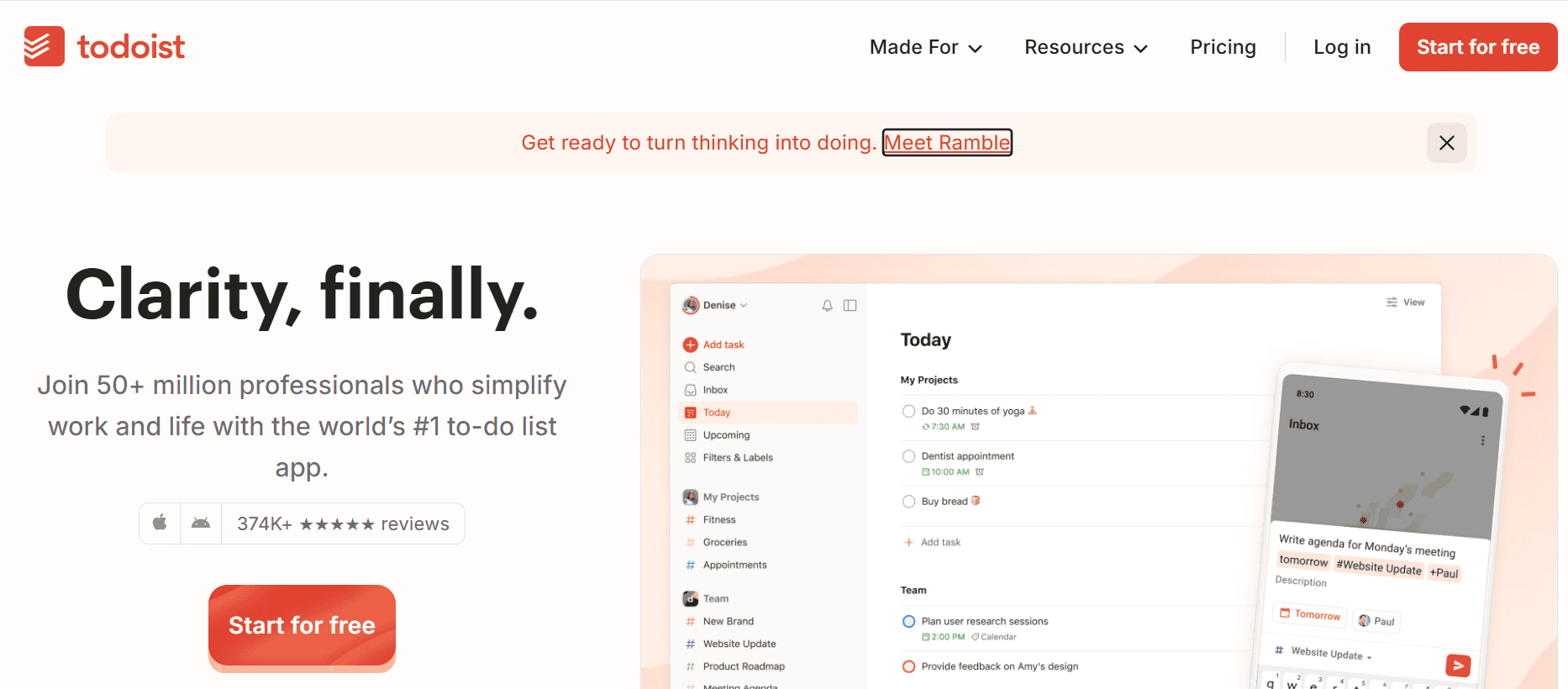
When you’re juggling many small to medium tasks, projects, deadlines, recurring tasks, and you need something that keeps you organized without overcomplication, Todoist stands out.
I’ve used it when balancing client work + side-projects + personal tasks. What I love is how it helps me quickly capture tasks (via mobile, desktop, email, or even voice), assign due dates, set recurring tasks, and get reminders.
It helps prevent things from slipping through the cracks, especially when days fill up fast or you bounce between contexts.
Stand-out Features
- Natural language input for due dates (“Pay rent every month”, “Meeting next Tuesday”)
- Prioritization & labeling of tasks so you can filter and focus on what’s urgent
- Recurring tasks & reminders
- Karma / productivity tracking (motivation via feedback)
- Cross-platform support (Web, Android, iOS, desktop)
Integrations
- Google Calendar (sync tasks & deadlines)
- Slack, Gmail (for task creation / reminders)
- Zapier (connect to many other tools)
- Browser extensions and widgets
Why I Picked It
Because in busy periods what matters most is speed + clarity. Todoist gives you both: capture quickly, see what’s due, avoid overload. For professionals who often add tasks on the go, or need recurring items, this kind of setup saves mental space.
Pros
- Very clean, minimal interface
- Strong feature set even in free version
- Reliable across devices
- Good support and regular improvements
Cons
- Free version lacks some advanced features (labels, reminders, filters)
- Collaboration features are more limited compared with team-oriented apps
- For complex projects, dependency tracking etc., you might need a more powerful tool
Todoist Pricing
- Free Tier: basic tasks, some labels/priorities, recurring tasks with some limitations
- Premium Tier: adds advanced filters, reminders, more collaboration, etc. (often $5/month when billed annually, higher if billed monthly)
- Business / Team Plans: extra features, more users
2. TickTick
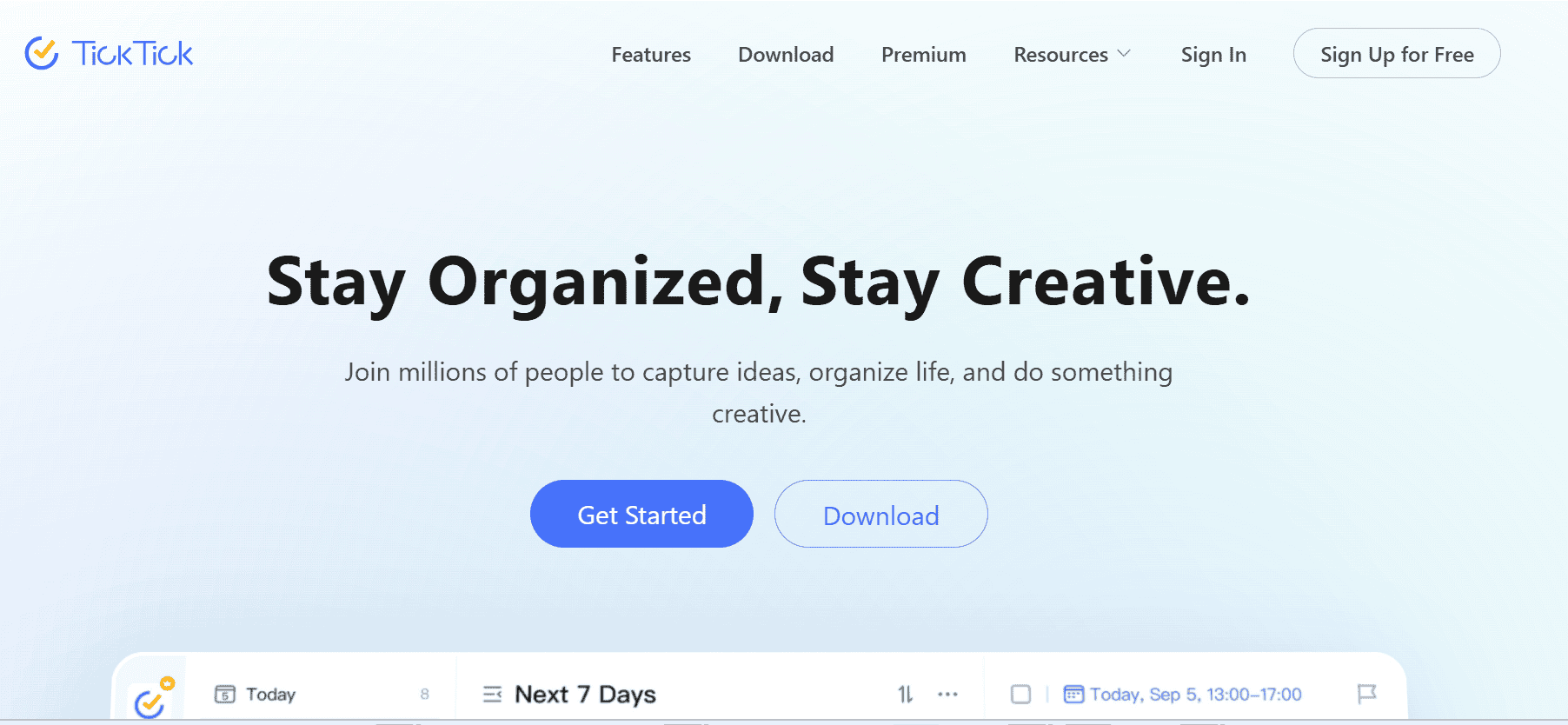
If you not only want a task list but also need to block time, visualize your week, monitor habits, and handle both work + personal tasks, TickTick is excellent. I’ve used it when trying to plan heavy weeks, including personal items (doctor’s appointments, exercise, reading), and wanted a “one app to rule them all” feel. It reduces friction between what needs to get done versus what I intend to do but often forget.
Stand-out Features
- Multiple views: list view, calendar view, Kanban board, timeline view
- Built-in Pomodoro & habit tracking features
- Smart filters & templates to organize workflows
- Location-based reminders in some versions
Integrations
- Syncs with calendars (Google, etc.)
- Integrations through Slack, Zapier
- Works on mobile+desktop+web
Why I Picked It
When I have a mix of many types of tasks, one-off, recurring, personal, work, and need visual cues (calendar, priorities), TickTick blends flexibility + power. It’s less heavy than a full project management app but more capable than a simple to-do list.
Pros
- Very capable free version
- Strong variety of visual representations of tasks
- Good UI/UX; pleasant to use daily
- Habit & focus tools (Pomodoro etc.)
Cons
- Some features locked behind premium/subscription paywalls
- Can feel like “too much” if you just need basic to-do lists
- Notification clutter possible if not managed well
Pricing
- Free Tier: quite generous—basic features, calendar, reminders
- Premium Tier: unlocks smart filters, more themes, more advanced views and sharing ($3/month)
- Team / Shared Lists: add cost depending on number of users
3. Asana
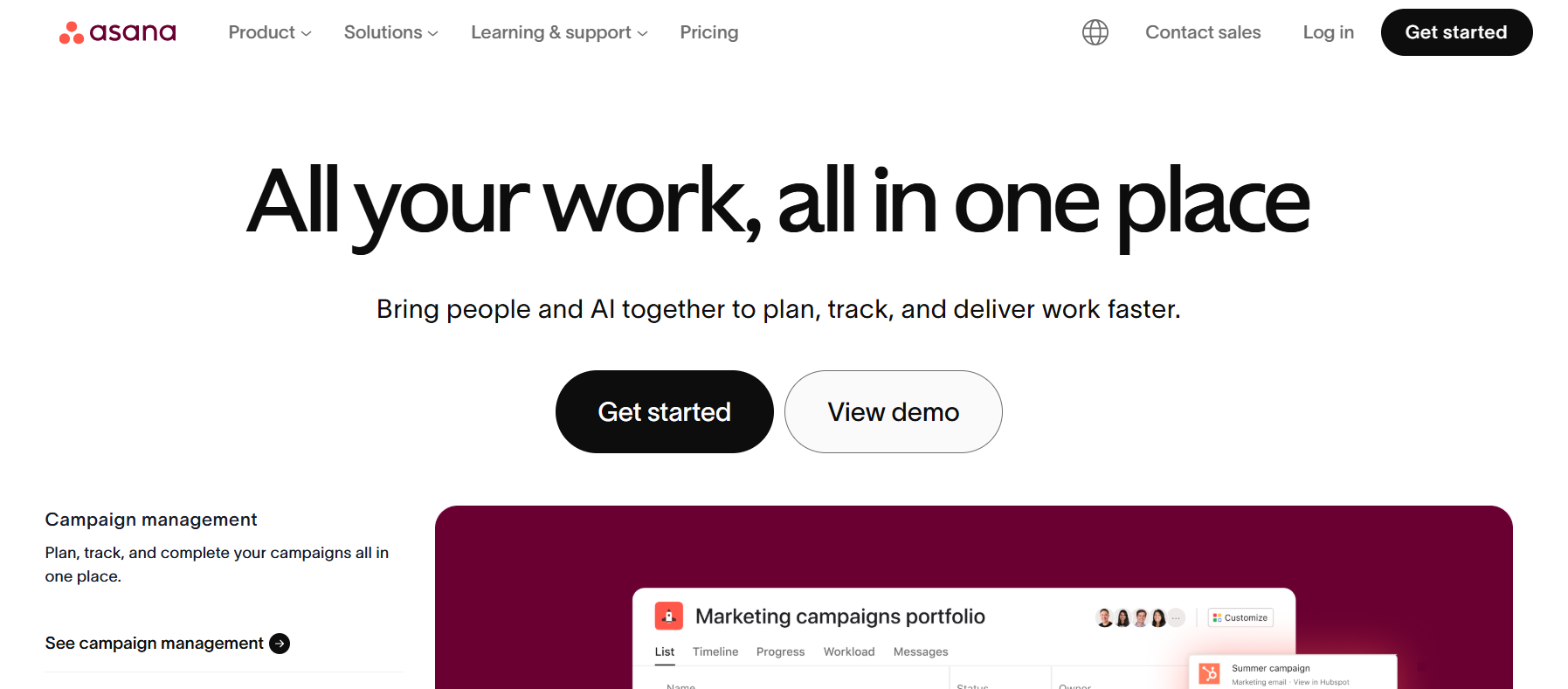
When your tasks are more than simple to-dos, projects with stages, dependencies, multiple collaborators, deadlines, and you need visibility of what’s coming, what others are doing, or what’s blocked, Asana is one of the best. I’ve used it when managing client projects, coordinating with others, and needing to track not just “what to do today” but “what must be done to hit future milestones.” It’s great for letting you see both the big picture and the details.
Stand-out Features
- Multiple views (List, Board / Kanban, Timeline / Gantt) to adapt to different workflows
- Task dependencies (so you know which tasks must finish before others can begin)
- Automation rules to reduce repetitive setup
- Dashboards / Reporting to spotlight delays or workload imbalance
Integrations
- Slack, Microsoft Teams for notifications & discussion
- Google Drive, Dropbox for file attachments and storage
- Calendar sync (deadlines, project due dates)
- Tools like Zapier to automate custom workflows
Why I Picked It
Asana scales nicely: from smaller teams/projects to more complex ones. When you need more than just “what’s next,” but also “how are things progressing across multiple tasks” or “what’s blocked,” Asana gives visibility and structure, which is crucial for busy professionals managing many responsibilities.
Pros
- Very good for accountability & collaboration
- Clear view of deadlines, dependencies, and project progress
- Strong tracking & reporting features
Cons
- Can feel overwhelming if you don’t configure properly
- Some advanced features require paid plans
- For single-user or very small personal use, some of the project/project team overhead might be unnecessary
Pricing
- Basic / Free version: good for single users or small teams, limited in features (views, storage, collaborators)
- Paid Plans: add timeline/Gantt view, dependencies, custom fields etc. (often $13.49/user/month, billed annually)
- Enterprise: advanced security, admin tools, SSO etc., custom pricing
Best task management software Comparison
| Feature / Criteria | Todoist | TickTick | Asana |
| Free Plan Quality | Yes – good for solo users or light workloads; limited in projects/collaborators but solid. | Decent – allows basic task organization; fewer features but enough to get started. | Free tier supports small teams and basic task/project tracking. |
| Best for Recurring / Simple Tasks | Very good – recurring tasks, priorities, simple UI keep things clean. | Also strong; added perks like habit tracking and reminders. | Strong, but sometimes overkill for very simple recurring tasks. |
| Team / Collaboration Features | Business plan enables team workspace, permissions, etc. | Business plan adds shared lists, collaborator roles, etc. | Premium/Business/Advanced have strong team tools, timelines, dependencies. |
| Visual Task Views (Boards, Calendar, etc.) | Board & calendar view at Pro level. | Several views even in free / premium (e.g., calendar view). | Excellent – multiple views including list, board, timeline (Gantt), calendar. |
| Extra Productivity Tools (Reminders, Automation, etc.) | Pro adds custom reminders, Todoist Assist / filters, etc. | Premium gives reminders, themes, advanced filters, etc. | Premium / Pro add advanced search, automation rules, dashboards. |
| Pricing for Mid-Team Use | Moderate – $6/user/month in Business plan. | Very affordable compared to many others. | Higher at scale; cost climbs with more users & advanced features. |
| Drawbacks for Busy Pros | Might require upgrade for advanced collaboration / larger teams. | Some limits in free and lower tiers; fewer enterprise-grade admin controls. | Possibly overwhelming features if you just need a simple task list; costs higher. |
Conclusion
No matter how busy your schedule is, having the right task management app makes the difference between chaos and calm. Todoist is best if you want a clean, reliable app to manage daily tasks.
TickTick is a winner if you prefer an all-in-one tool that blends tasks with time management. And Asana is the top choice for professionals managing team projects or complex workflows.
If you found this guide useful, consider exploring our other productivity reviews and app comparisons. We regularly test and review the best productivity tools for individuals and businesses.
Related Article: 8 Top Remote Desktop & Screen-Sharing Tools for Productive Teams