

The way we work is changing fast. More people are turning to freelance platforms to find flexible jobs, build careers, or grow their businesses. Whether you’re a freelancer looking to land your next gig or a client needing quality talent on demand… these platforms are where the magic happens.
But with so many choices out there, how do you know which one fits your needs best? That’s where this comparison comes in. I’ll break down Upwork vs Fiverr—what they offer, how they work, and who they’re best for—so you can make the right call with confidence.
Key Features Comparison
1. Project Scope
When it comes to project scope, the difference between Upwork and Fiverr is pretty clear.
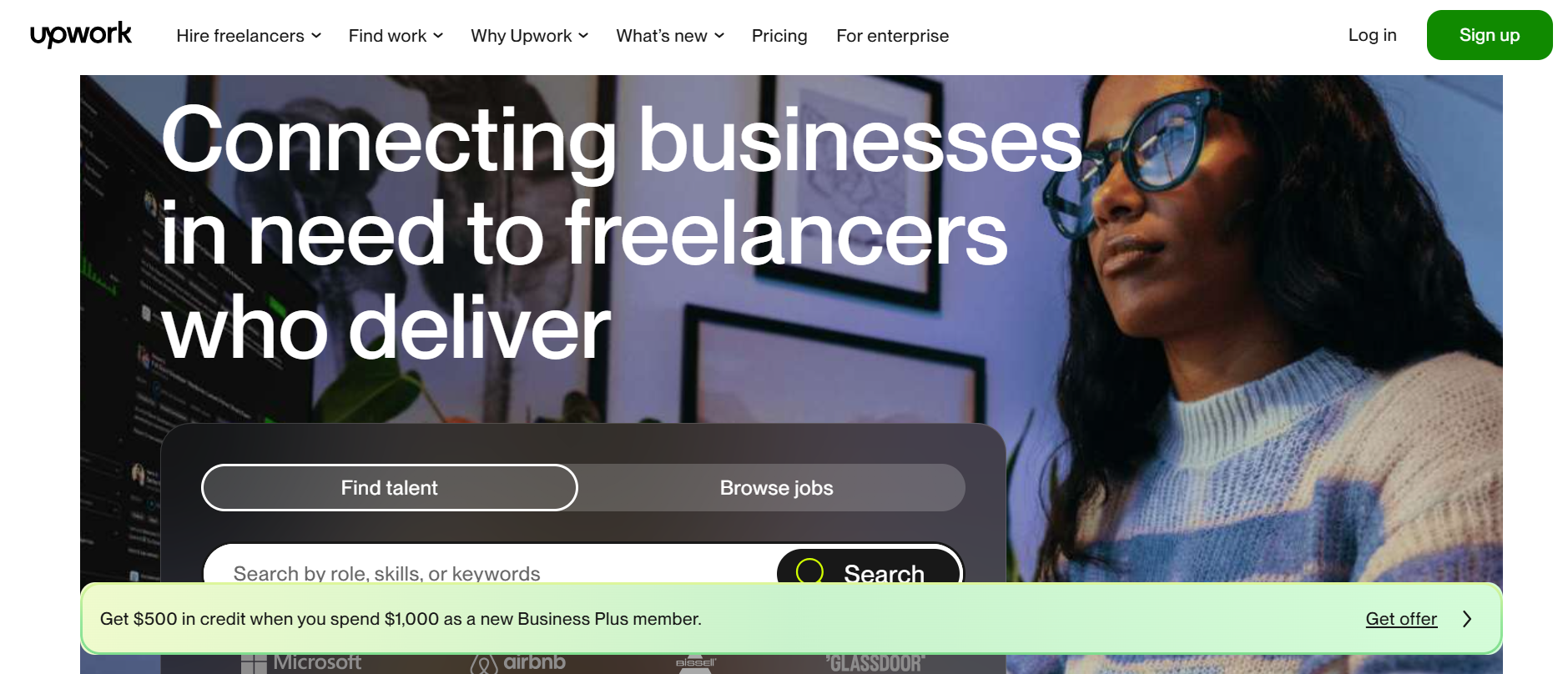
On Upwork, I usually see clients post jobs that require a deeper level of involvement—things like building full websites, managing ad campaigns, or writing content over several weeks. These are projects where the client and freelancer work closely together, sometimes for months. There’s more back-and-forth, and often a need for updates, revisions, and long-term collaboration.
Fiverr, on the other hand, is better for tasks that can be wrapped up quickly. Think: creating a podcast intro, designing a business card, or proofreading a short article. You pick a gig, pay upfront, and get your delivery, usually in 24 to 72 hours. It’s all about speed and clear, fixed deliverables.
So, if your project requires strategy, planning, and time, Upwork is the better fit. If it’s a one-and-done job with a tight turnaround… Fiverr wins that round.
2. Client Interaction
The way clients and freelancers connect on each platform works very differently—and that really shapes the whole experience.
On Upwork, clients start by posting a job. Then freelancers send proposals explaining why they’re a good fit. I’ve noticed this gives both sides a chance to chat, ask questions, and negotiate before any work begins. It’s more like a traditional hiring process—ideal for projects where fit and collaboration really matter.
With Fiverr, it’s the reverse. Freelancers create gigs, set their own prices, and wait for clients to place an order. It’s quick and direct. There’s usually less back-and-forth—clients choose based on the gig description, portfolio, and reviews. For many, this saves time… but it also means less customization upfront.
3. Payment Models
Upwork offers flexibility when it comes to how you get paid—or how you pay. You can choose between hourly contracts or fixed-price projects. For hourly work, time is tracked automatically using Upwork’s built-in time tracker. For fixed-price, the client funds milestones in advance, and payment is released when each part is approved. I like that it gives both parties a sense of control and trust.
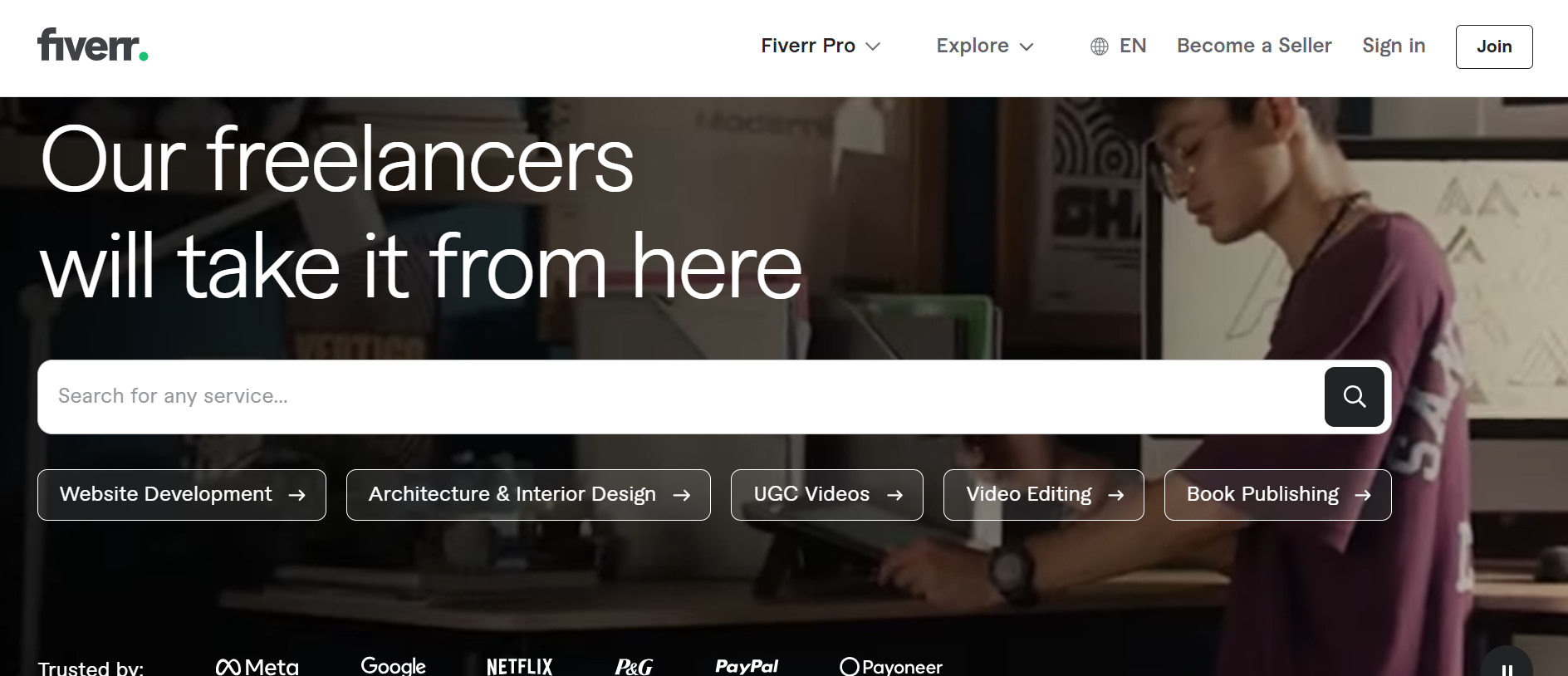
Fiverr, on the other hand, sticks with a fixed-price model. Every gig comes with a set price, sometimes tiered as Basic, Standard, or Premium. Clients pay upfront when they order a gig, and funds are released to the freelancer after the delivery is marked complete. It’s fast and predictable, but not ideal for jobs that might evolve over time.
4. Communication Tools
Both Upwork and Fiverr have built-in messaging systems that let clients and freelancers chat, share files, and stay updated. But if you’re managing a more involved project, Upwork takes it a step further.
Upwork offers real-time chat, voice and video calls, and even lets you share documents directly within the platform. I’ve used its project milestone tools, shared docs, and time tracking features, all in one place. It feels more like a remote workspace than just a chat box.
Fiverr’s communication is more streamlined. You message within the order thread, and while it’s easy to stay in touch, it’s not really built for deeper collaboration. It works best for straightforward tasks with minimal follow-up.
So if your work needs ongoing updates, file reviews, and detailed back-and-forth, Upwork’s tools give you the upper hand.
For quick check-ins and simple deliveries, Fiverr’s system gets the job done.
Related Article: Comprehensive Fiverr Review: Features, Pricing, Pros & Cons, and Who Should Use It
Pricing and Fees
Upwork Subscription Plans
- Freelancer Basic: Free
- Access to job postings
- Limited monthly Connects
- Standard profile visibility
- Freelancer Plus: $14.99/month
- Increased monthly Connects
- Enhanced profile visibility
- Access to Upwork’s AI assistant
- Ability to keep earnings confidential
- View competitor bids on jobs
- Option to set an availability badge
For Clients
- Marketplace Plan: No subscription fee
- 5% service fee on payments (3% for eligible ACH payments)
- Contract initiation fee per contract
- Business Plus: 10% service fee (8% for eligible ACH payments)
- No contract initiation fee (except for fixed-price contracts under $100)
- Advanced reporting and premium support
- Flexible payment options with Net 30 terms
- Hiring pre-approvals and talent onboarding workflows
- Enterprise Plan: Custom pricing
- Dedicated account management
- Compliance services
- SSO and integrations with VMS, ATS, and HRIS
- Customized reporting and invoicing
Visit Upwork Pricing Page to Learn more
Fiverr Subscription Plans
- Essential Plan: Free (requires annual spend of $1,000 to maintain)
- Access to vetted talent
- Hands-on hiring support
- Tools for team collaboration
- 25% discount on Fiverr’s expert sourcing service
- Advanced Plan: $129/month
- All Essential Plan benefits
- Extended access to tools like seamless contract signing
- Worker classification audits and background checks
- Dedicated support and strategic consultation from a Business Success Manager
For Businesses (Fiverr Enterprise)
- Core Plan: 3% of total monthly payments
- No subscription or setup fees
- Searchable catalog and sourcing talents
- Onboarding workflows and automated payments
- Tax compliance automation
- Premium Plan: 5% of total monthly payments
- All Core Plan features
- Background checks
- Contractors’ employer of record
- Enhanced budget management
- Workforce classification audits
Visit Fiverr Pricing Page to learn more
Pros and Cons
| Upwork Pros | Fiverr Pros |
|
|
| Upwork Cons | Fiverr Cons |
|
|
Customer Reviews
Upwork is easy to use and implement. They have great support service.
What do you dislike about Upwork?
It is very difficult to change country of residence once you have created the account.
Sami Ashgfx on trustpilot says, I always Loved the Experience and The experince
“I always Loved the Experience and The Reliability of this platform (Fiverr) is much better then others the interface and all support to sellers make it more perfect of any other its highly recommended to new users”.
Conclusion: Making the Right Choice
Both Upwork and Fiverr have unique strengths, and choosing the right platform really comes down to your goals and the type of work you need done.
If you’re looking for long-term projects that require detailed collaboration, clear milestones, and ongoing communication, Upwork stands out with its robust tools and trusted hiring process. It’s a solid choice for experienced freelancers and clients with complex needs.
On the flip side, if you want to get quick tasks done fast or offer specific services packaged as gigs, Fiverr’s straightforward marketplace makes it easy to connect and complete jobs with minimal hassle. It’s perfect for freelancers specializing in niche skills and clients with tight deadlines or one-off projects.
At the end of the day, think about what matters most, whether it’s depth and relationship-building or speed and simplicity, and pick the platform that fits your workflow. Both have their place, and either can help you succeed in the freelance marketplace.