

Today’s small businesses need CRM tools that are intuitive, scalable, and powerful enough to compete with larger competitors. Whether you’re tracking leads, managing sales pipelines, or building lasting customer relationships, the right CRM can transform how you work.
This guide explores the five best CRM platforms for small businesses in 2026, helping you find the perfect solution that balances simplicity, features, and affordability to drive your business growth.
Why Small Businesses Need Smarter CRMs
The business environment in 2026 is more competitive and customer-centric than ever before. Small businesses face increasing pressure from both established competitors and nimble startups, while customer expectations continue to rise. A modern CRM is no longer just a sales tool; it’s the central nervous system of your entire customer experience strategy.
Automation has become essential for survival. Manual data entry, follow-up emails, and task management consume valuable time that could be spent building relationships and closing deals. Today’s CRM platforms automatically log interactions, trigger timely follow-ups, and alert team members when action is needed, freeing your team to focus on what matters most.
With remote and hybrid work becoming the standard, centralized customer data is critical. Your sales rep working from home needs the same access to customer information as your in-office team member. A cloud-based CRM ensures everyone stays aligned, whether they’re at their desk or meeting clients on the go. For small businesses, this means maintaining consistency in customer interactions regardless of team size or location.
Perhaps most importantly, a CRM provides the foundation for sustainable growth. It captures insights about customer behavior, tracks what’s working in your sales process, and identifies opportunities for improvement. Rather than relying on scattered spreadsheets and memory, you build a knowledge base that grows with your business and remains accessible even as team members come and go.
1. HubSpot CRM – Best Free & All-in-One CRM
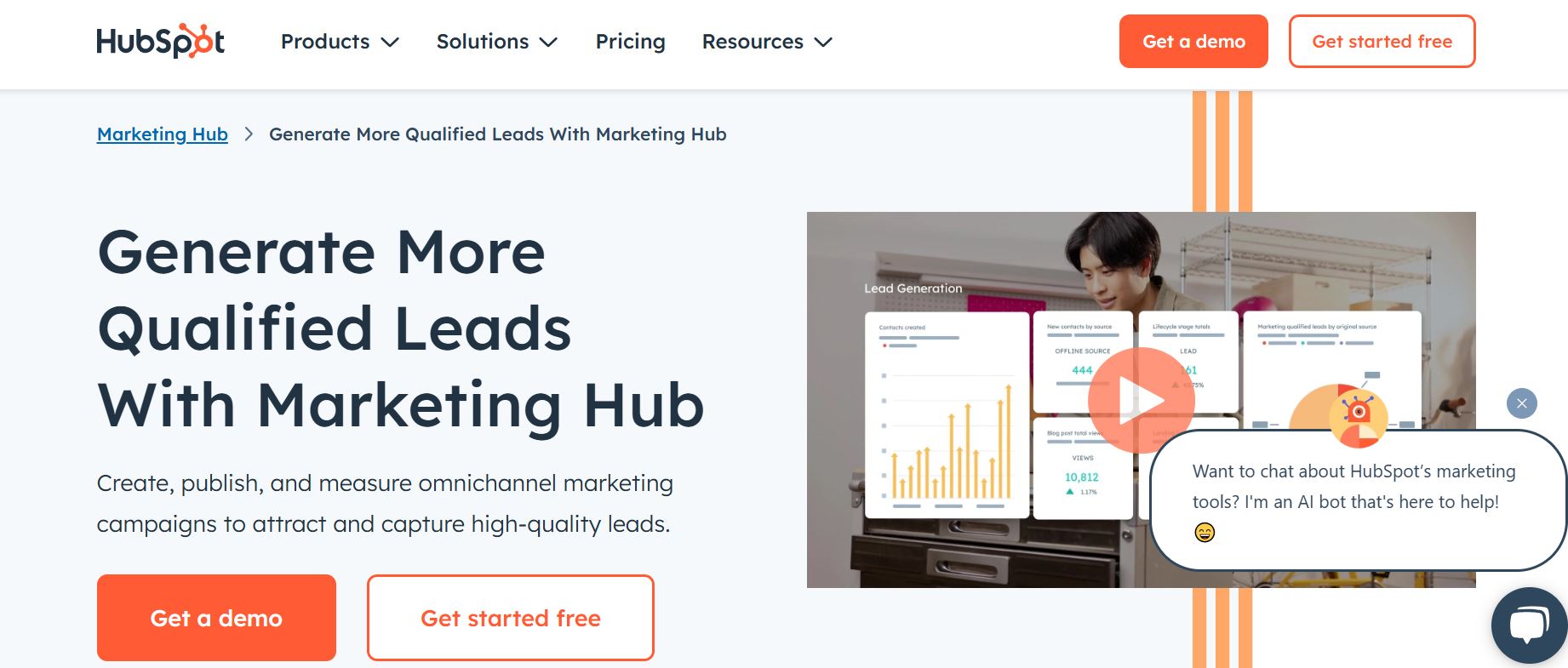
HubSpot CRM continues to dominate the small-business market with its industry-leading free plan, which includes unlimited users, contacts, and data storage. Unlike many free CRMs that feel limited, HubSpot provides robust contact and deal management, email tracking, meeting scheduling, and live chat functionality without spending a dime.
What sets HubSpot apart is its comprehensive ecosystem. Beyond CRM basics, you gain access to marketing automation tools, customizable pipelines, and detailed reporting dashboards. The platform integrates seamlessly with hundreds of popular business tools, from Gmail and Outlook to Slack and Zoom. For startups and bootstrapped businesses, HubSpot offers professional-grade capabilities at zero cost.
The trade-off comes as you scale. Advanced features like marketing automation, sales sequences, and custom reporting require paid plans that can become expensive. HubSpot is ideal for businesses wanting a powerful, free starting point with the option to add capabilities as budget allows. The learning curve is moderate, but the extensive documentation and active community make adoption straightforward.
2. Zoho CRM – Best Overall Value & Features
Zoho CRM delivers exceptional value by packing enterprise-level features into small-business-friendly pricing. The platform excels at customization, allowing you to tailor fields, modules, workflows, and dashboards to match your exact business processes. This flexibility means Zoho adapts to how you work rather than forcing you to change your methods.
AI-powered insights through Zia, Zoho’s artificial intelligence assistant, provide sales predictions, anomaly detection, and intelligent recommendations. The platform analyzes your data to identify the best times to contact leads, predict deal outcomes, and suggest next actions. For the price, you’re getting capabilities typically reserved for much more expensive systems.
Zoho’s competitive pricing makes it accessible for small teams, with plans starting at reasonable monthly rates per user. The platform integrates smoothly with the broader Zoho ecosystem of business tools, creating a unified workspace if you use other Zoho products. While the extensive customization options can feel overwhelming initially, Zoho strikes an excellent balance between power and affordability for growing teams that need room to expand.
3. Pipedrive – Best for Sales Pipeline Management
Pipedrive takes a laser-focused approach to CRM by centering everything around visual deal pipelines. The drag-and-drop interface makes managing sales stages intuitive and satisfying. You see exactly where every deal stands, what actions are needed, and which opportunities require immediate attention. This visual clarity helps sales teams stay organized and motivated.
The platform shines in sales automation. Pipedrive automatically creates follow-up activities, sends reminders for stalled deals, and tracks email opens and clicks. Sales managers appreciate the robust reporting and forecasting tools that provide clear visibility into team performance and revenue predictions. Everything in Pipedrive is designed around one goal: helping you close more deals faster.
Sales-focused teams particularly love Pipedrive’s simplicity. There’s minimal setup required, and most users become proficient within days. While it’s less comprehensive than platforms like HubSpot or Zoho for marketing or service functions, Pipedrive excels at what it does best. If your primary need is managing sales opportunities and keeping deals moving forward, Pipedrive delivers exceptional results.
4. Monday CRM – Best for Workflow Customization
Monday CRM stands out with its highly visual, customizable interface that feels more like a project management tool than traditional CRM software. This familiarity works to its advantage, as teams already using Monday.com for project management can seamlessly extend into CRM functionality. The colorful, board-based layout makes data entry and tracking feel less tedious and more engaging.
Custom workflows are Monday’s superpower. You can design unique processes for different deal types, automate handoffs between teams, and create custom views for various roles. Marketing can track campaigns, sales can manage pipelines, and customer success can monitor onboarding, all within the same platform but with tailored interfaces for each team’s needs.
The platform particularly excels for cross-functional teams that need CRM capabilities alongside project management. If you’re running a service business where customer relationships intertwine with project delivery, Monday CRM creates a unified workspace. The learning curve is gentle thanks to the intuitive interface, though you’ll need to invest time in setup to fully leverage its customization potential.
Other Notable CRM Options by Business Type
While the five CRMs above serve most small businesses well, certain industries and business models benefit from specialized solutions. Service-based businesses such as photographers, event planners, and creative agencies should explore HoneyBook and Leader CRM. These platforms combine CRM functionality with proposal management, contract signing, and invoicing, creating an all-in-one solution for client-focused service businesses.
Mobile-first sales teams constantly on the road might prefer OnePageCRM, which emphasizes simplicity and getting things done through a streamlined mobile interface. The platform focuses on action rather than data storage, making it perfect for field sales representatives who need quick access to next actions and contact details.
For businesses experiencing rapid growth and approaching mid-market size, Salesforce deserves consideration despite its complexity and higher costs. While often overkill for typical small businesses, companies with 50+ employees or highly specialized needs may find Salesforce’s extensive ecosystem and customization capabilities worth the investment.
The broader CRM software landscape includes hundreds of options, from industry-specific solutions to niche platforms focused on particular business models. When exploring these alternatives, evaluate them against the same criteria: ease of use, automation capabilities, scalability, mobile access, and transparent pricing. The top CRM platforms succeed because they excel across these dimensions while remaining accessible to small businesses.
How to Choose the Right CRM for Your Small Business
Selecting the right CRM starts with understanding your business model and primary needs. Sales-focused organizations with complex deal cycles benefit from pipeline-centric tools like Pipedrive or Zoho CRM. Service businesses that manage client projects alongside relationships should consider Monday CRM or specialized platforms like HoneyBook. If you need marketing automation integrated with CRM, HubSpot provides the most comprehensive free option.
- Budget planning requires looking beyond the monthly subscription cost. Consider the total cost including add-ons, integrations, and training time. Free plans can be deceptive if essential features require expensive upgrades. Calculate costs as your team grows, since per-user pricing models can become surprisingly expensive. Sometimes a slightly higher upfront cost delivers better long-term value.
- Think about future scaling from day one. The CRM you choose today should accommodate your business in two to three years. Can it handle more users, contacts, and complexity? Does it offer advanced features you might need later? Switching CRMs mid-growth is painful and disruptive, so choosing a platform with room to expand saves significant headaches.
- Most importantly, avoid overcomplicated systems that promise everything but deliver frustration. The best CRM for your business is one your team will actually use. A simple CRM used consistently beats a feature-rich platform that sits unused. Start with free trials, involve your team in testing, and prioritize adoption over feature lists. The perfect CRM combines just enough capability with genuine usability.
FAQs – Best CRM for Small Business
1. What is the best CRM for small businesses in 2026?
The best CRM depends on your specific needs. HubSpot CRM offers the most comprehensive free plan, making it ideal for budget-conscious startups. Zoho CRM provides the best overall value with enterprise features at small-business prices. Pipedrive excels for sales-focused teams, while Monday CRM suits businesses needing extensive customization. Less Annoying CRM is perfect for users prioritizing simplicity over advanced features.
2. Is a free CRM enough for a growing business?
Free CRM plans can effectively support growing businesses, particularly HubSpot’s unlimited free tier. However, you’ll eventually need paid features as you scale. Free plans typically lack advanced automation, custom reporting, and team collaboration tools. Start with a free plan to test functionality, but budget for paid upgrades as your team grows beyond five users or when you need marketing automation and advanced analytics.
3. Which CRM is easiest to use for beginners?
Less Annoying CRM lives up to its name as the most beginner-friendly option, with minimal setup and a clean interface. HubSpot CRM also ranks highly for ease of use, offering intuitive navigation and excellent onboarding resources. Monday CRM appeals to visual learners with its colorful, board-based interface. Avoid complex enterprise systems like Salesforce if you’re new to CRM software.
4. What CRM is best for sales-focused teams?
Pipedrive stands out as the top choice for sales-focused teams thanks to its visual pipeline management and sales-centric design. The platform prioritizes deal tracking, activity automation, and revenue forecasting. Zoho CRM also excels for sales teams needing AI-powered insights and extensive customization. Both platforms help sales representatives stay organized and close deals faster through intuitive interfaces and smart automation.
5. Can small businesses scale using the same CRM?
Yes, most modern CRM platforms scale effectively with your business. HubSpot, Zoho, and Monday CRM all offer tiered plans that add features and capacity as you grow. The key is choosing a platform with clear upgrade paths and avoiding systems that force migration to completely different products. Start with platforms offering scalable pricing and the advanced features you’ll eventually need, even if you don’t use them immediately.
6. Do CRMs include automation and AI features in 2026?
Most reputable CRM platforms now include AI and automation as standard features. HubSpot offers workflow automation and predictive lead scoring. Zoho CRM includes Zia, an AI assistant providing sales predictions and recommendations. Even simpler platforms like Pipedrive automate follow-up reminders and task creation. The level of AI sophistication varies by platform and pricing tier, but basic automation is now expected rather than premium functionality.