

If you are running a business in 2026, you are juggling communication, project management, content creation, and automation, while keeping costs under control. Obtaining all of these tools can be a costly investment for a small business, and their absence can harm revenue. However, you don’t need expensive software subscriptions to build an efficient operation, thanks to many free business productivity tools with AI-powered features that were premium-only just a few years ago. In this guide, we’ll explore the top 5 free business productivity tools in 2026 that deliver enterprise-level capabilities at zero cost.
What Defines a Great Productivity Tool in 2026?
- AI-driven automation: The best free business tools for 2026 incorporate intelligent features such as automated task assignment, smart scheduling, predictive text, and workflow suggestions that previously required expensive enterprise platforms. These AI capabilities help small teams accomplish what once required dedicated staff.
- Seamless collaboration: With remote and hybrid arrangements now standard, productivity tools must enable real-time co-working, clear communication channels, and shared visibility across projects.
- Cross-platform integrations: A great productivity tool connects with your existing tech stack through native integrations or automation bridges.
- Scalability from free to paid: They should support your operations for months or years, with clear upgrade paths when you need advanced capabilities.
- Security and reliability: Even free users deserve enterprise-grade data protection, consistent uptime, and regular updates.
Top 5 Free Business Productivity Tools in 2026
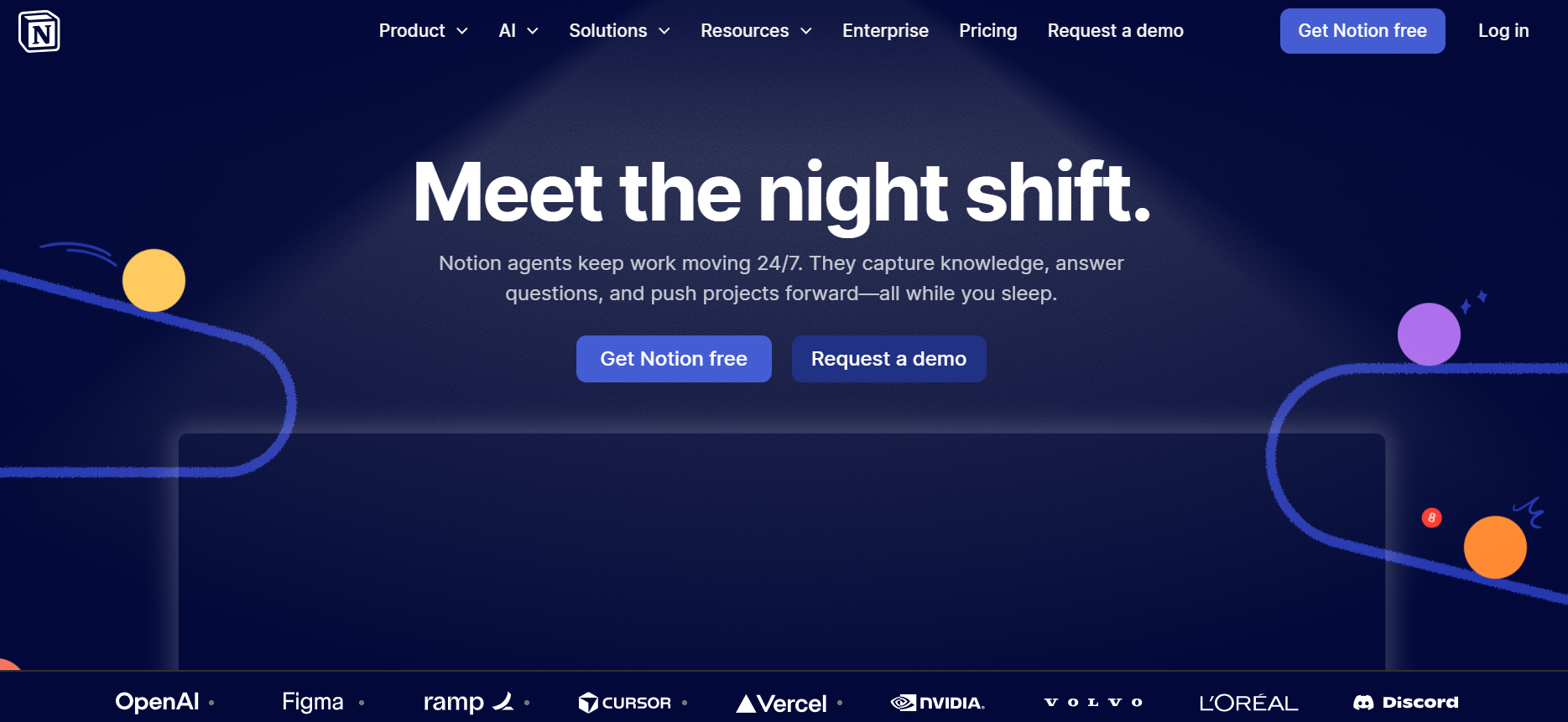
1. Notion (Free Plan) – All-in-One Workspace
Notion has solidified its position as the Swiss Army knife of team collaboration tools in 2026. It combines notes, databases, wikis, and project management into a single, flexible workspace. What makes Notion particularly valuable for small businesses is its ability to replace multiple specialized tools with a single, customizable platform.
- The free plan supports unlimited personal use and teams of up to 10 members, making it perfect for startups and growing companies.
- You can build custom workflows for everything from content calendars and customer relationship management to employee onboarding and knowledge bases.
- The block-based editor lets non-technical users create sophisticated databases with filters, views, and automations that previously required complex software.
The main limitations are the 10-member cap and restricted file upload sizes, though for most small teams, these constraints are manageable for the first 2 years of operation.
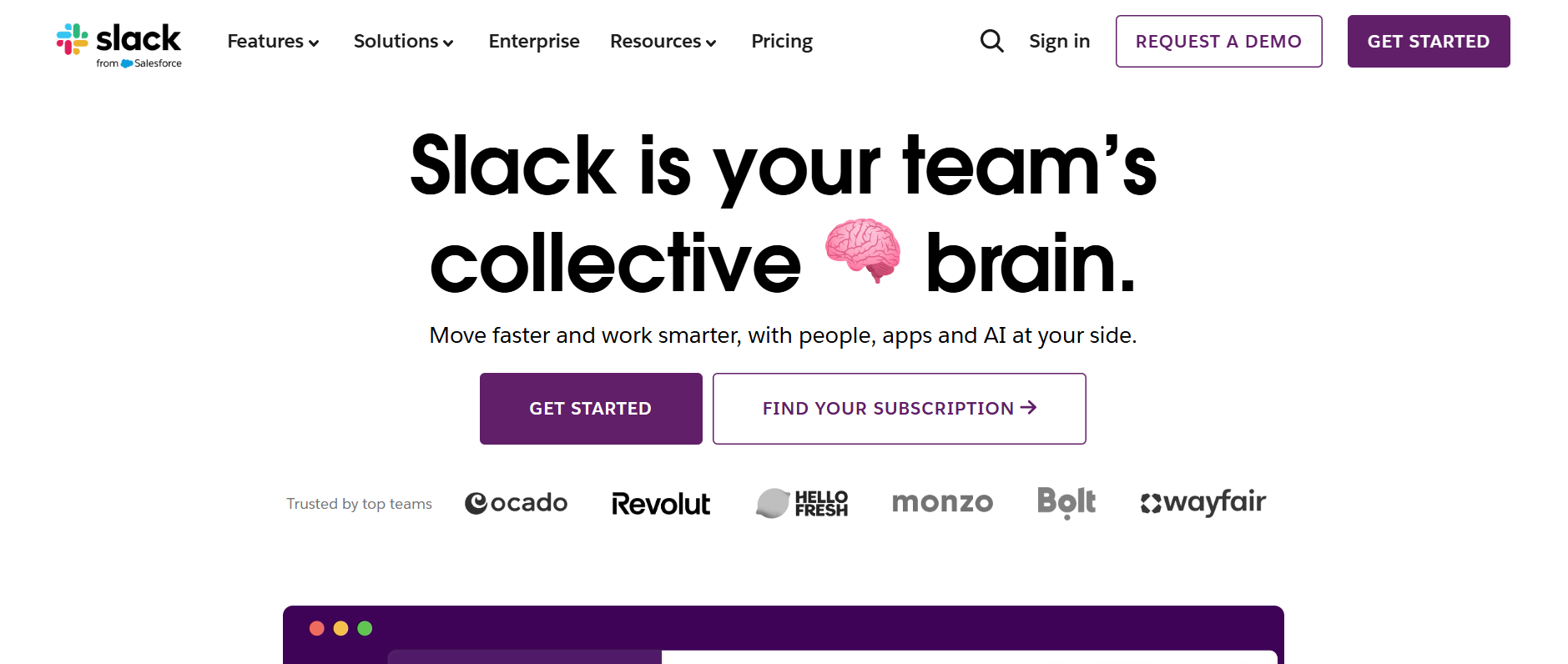
2. Slack (Free Plan) – Team Communication Hub
Slack remains the gold standard for business team communication, and its free tier delivers surprising value for small operations. Real-time messaging organized into channels keeps conversations focused and searchable, while direct messages and group chats handle quick coordination. For remote teams especially, Slack creates the digital equivalent of office presence.
- The free plan includes unlimited users and channels, plus integrations with thousands of other apps including every tool on this list.
- You can share files, make voice and video calls, and use basic workflow automation through Slackbot.
- The platform’s search functionality and threaded conversations prevent the chaos that often plagues team communication.
The primary limitation is message history: free accounts can access only the most recent 90 days of messages, whereas paid plans offer unlimited history. File storage is also capped at 5GB for the entire workspace.
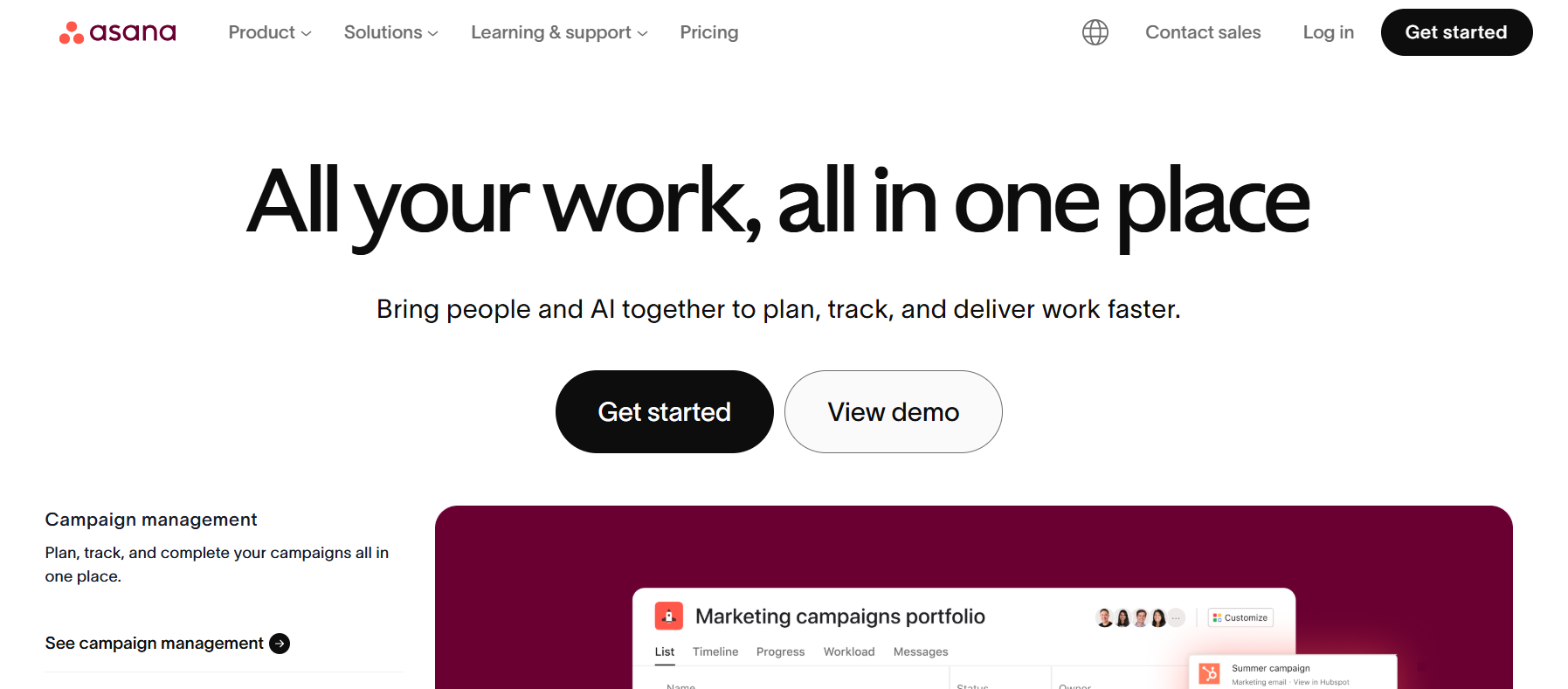
3. Asana (Free Plan) – Task & Workflow Management
Asana brings clarity to operational chaos by transforming abstract goals into concrete, assigned tasks with deadlines and dependencies. The visual project boards (list, board, and timeline views) help teams see both granular tasks and big-picture progress simultaneously.
- The free workflow management software tier supports up to 15 team members with unlimited tasks, projects, and activity logs.
- You can assign work, set due dates, add descriptions and attachments, create subtasks, and comment on specific items, all the fundamentals of professional project management.
- Custom fields, timeline view, and dashboard reporting are unlocked on paid tiers, but the core functionality covers most small-team needs.
The free plan’s limitations are primarily the 15-member cap and the lack of advanced reporting. For startups and small teams focused on execution rather than complex analytics, Asana’s free tier provides years of value before an upgrade becomes necessary.
4. Canva (Free Plan) – Design & Visual Productivity
Visual content dominates modern business communication, from social media posts and presentations to proposals and internal documentation. Canva democratises professional design, enabling anyone to create polished visuals without graphic design training or expensive software like Adobe Creative Suite.
- The free plan offers over 250,000 templates, 100+ design types (social posts, presentations, flyers, logos, resumes), and millions of free photos, graphics, and fonts.
- The drag-and-drop interface with smart suggestions means you can produce presentation-quality materials in minutes rather than hours.
- Brand Kit features on paid tiers help maintain consistency, but free users can still save brand colours and upload logos for repeated use.
- In 2026, Canva’s AI-powered features expanded to include background removal, Magic Resize for adapting designs across formats, and intelligent layout suggestions.
The main limitation of the free plan is access to premium templates and stock elements, but the free library is extensive enough that most small teams rarely feel constrained.
5. Zapier (Free Plan) – Automation Engine
Zapier functions as the invisible connective tissue between your other productivity tools, automating repetitive workflows without requiring any coding knowledge. In 2026, even small businesses benefit from automation that was once exclusively available to enterprises with development resources.
- The free plan includes 100 tasks per month and single-step “Zaps” (automated workflows) that connect to over 6,000 apps. While that might sound limited, it’s enough to automate several high-value processes: automatically adding form submissions to your CRM, posting new blog content to social media, creating Asana tasks from Slack messages, or sending notification emails when specific triggers occur.
- The AI-powered workflow creation introduced in recent updates helps users discover automation opportunities they might not have considered. You describe what you want to accomplish, and Zapier suggests the appropriate trigger, action, and data mapping. This reduces the learning curve significantly compared to building automations from scratch.
- Common business automation tools free tier use cases include lead capture (form submission → add to spreadsheet → send notification), content distribution (new post → share on multiple platforms), and cross-tool syncing (Notion database update → create Asana task).
The monthly task limit encourages intentional automation of only your most repetitive workflows. For teams just beginning their automation journey, the free tier provides a perfect testing ground before scaling up to multi-step workflows on paid plans.
How These Tools Work Together as a Productivity Stack
The real magic happens when you combine these free productivity tools for business into an integrated system. Here’s how a typical small business might orchestrate them:
- Notion serves as the central knowledge base and planning hub. Your company wiki, strategic roadmaps, content calendars, and client information all live here. When you plan a product launch in Notion, individual action items are created as tasks in Asana, each with a clear owner and deadline. Team members discuss project details, share quick updates, and coordinate timing through Slack channels dedicated to that initiative.
- Canva handles all visual needs, creating launch graphics, presentation materials, and social media assets. Once designs are approved, Zapier automatically posts new content from your content management system to social platforms and sends notifications to the team’s Slack channel.
Throughout this process, Zapier bridges gaps: new client onboarding forms automatically create Notion database entries and Asana task lists; completed Asana tasks trigger Slack notifications; Notion database updates sync to shared spreadsheets for reporting.
Conclusion
You can now access AI-powered automation, professional-grade collaboration, sophisticated project management, design capabilities, and workflow integration without spending a dollar on software. This dramatically levels the playing field, allowing small operations to compete on the operational efficiency of much larger competitors.
The key to success is thoughtful implementation: choose tools that integrate well, invest time in proper setup, and train your team on best practices. Start with one or two tools that address your biggest pain points, then expand your stack as you discover automation opportunities and workflow improvements.
Explore our reviews for other best productivity tools for your business stack.
FAQs About Free Business Productivity Tools in 2026
1. Are free productivity tools enough for small businesses in 2026?
Absolutely. Modern free tiers offer capabilities that would have cost thousands annually in subscription fees just five years ago. For businesses under 10-15 people, these tools provide everything needed to operate efficiently. The key is choosing complementary tools that integrate well rather than trying to force a single platform to do everything. Most small businesses can operate on free plans for 1-3 years before needing premium features.
2. Which free productivity tool is best for automation?
Zapier’s free plan is the standout for business automation, connecting 6,000+ apps with AI-assisted workflow creation. While limited to 100 tasks per month and single-step workflows, this is sufficient to automate your most time-consuming, repetitive processes.
3. Can free tools support remote teams effectively?
Yes, free tools are actually ideal for remote collaboration. Slack provides real-time communication and presence; Notion creates shared knowledge bases accessible anywhere; Asana ensures task clarity across time zones; and Canva enables collaborative design work.
4. Do free plans include AI features?
Canva’s free tier includes AI background removal and smart suggestions. Zapier offers AI-powered workflow recommendations to free users. While some advanced AI capabilities remain on paid tiers (such as Notion AI and Slack AI), the core platforms now include intelligent features that enhance productivity at no additional cost.
5. Are these tools secure for business use?
All five tools maintain enterprise-grade security standards, including encryption, regular security audits, compliance certifications (SOC 2, GDPR), and reliable uptime, even for free users. They’re trusted by millions of businesses worldwide.
6. Can I scale my business using only free productivity tools?
You can scale quite far, typically to 10-20 employees, depending on the tool, before hitting hard limitations. The transition point varies by business model and complexity.